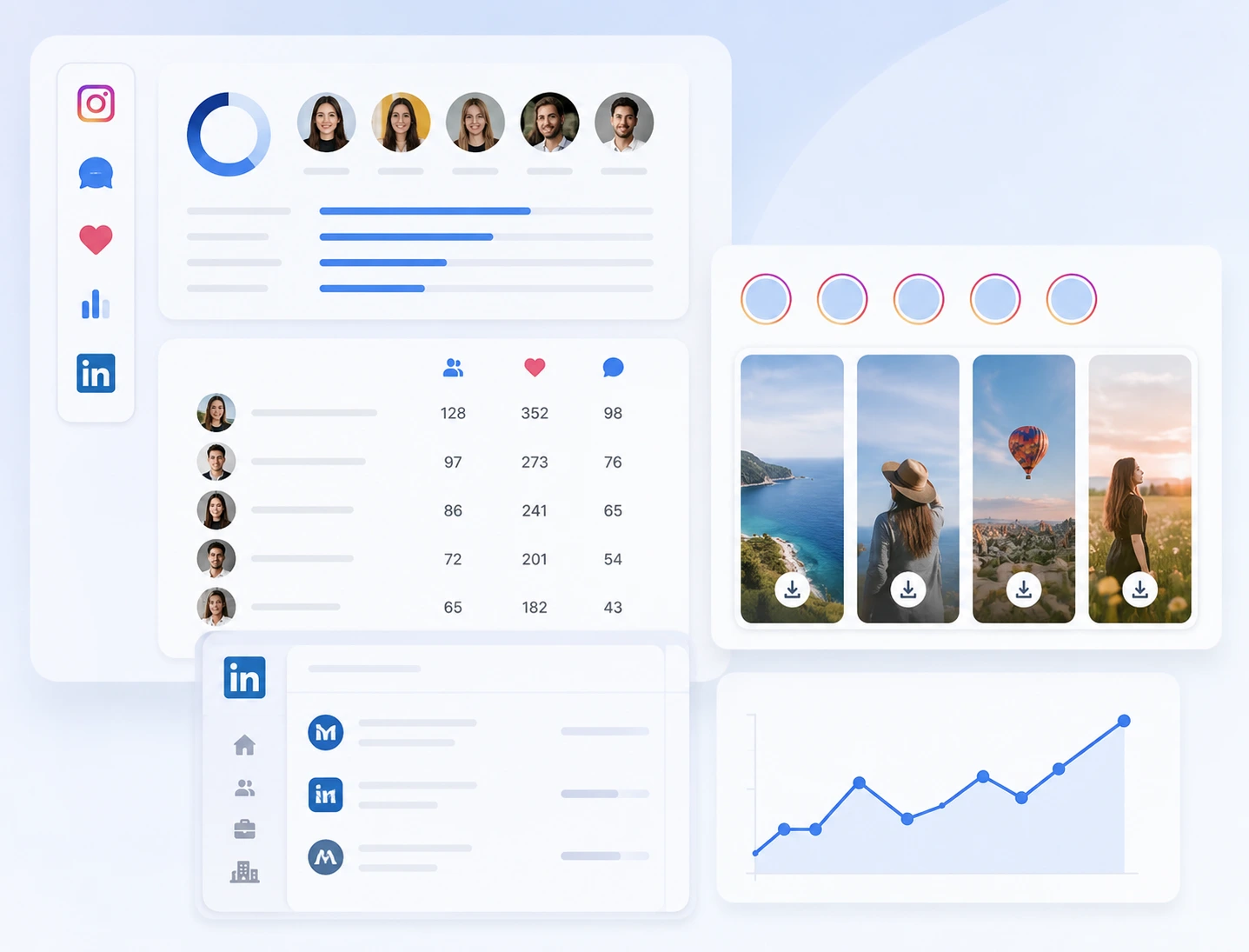
Use Instagram follower, comment, and like exporters to understand who engages with public profiles, posts, creators, and campaigns. Review available Stories with the Story Viewer and Downloader, monitor audience changes with IG Tracker, and examine recurring engagement patterns without collecting every account manually. LinkedIn research tools add professional and company context when your workflow moves from market observation to prospect discovery.
Start Free in Seconds20+ Tools in One PlatformFrom Research to Outreach in One Workflow
Free LinkedIn & Instagram Growth, Research, Data, and Automation Tools
Find prospects. Understand audiences. Turn Instagram & LinkedIn data into action.
Analyze a Public Instagram Account
Enter one public username to open a structured report covering profile context, recent content, recurring engagement, tags, locations, and active Stories.
- Public data only
- No Instagram password
- Report coverage included
Your report will open here
Search a public Instagram account to see which report modules are available before the analysis begins.
- ProfileAccount identity, biography and headline audience numbers.
- AboutAvailable country, account age and former username context.
- ContentRecent content mix and median performance signals.
- EngagementTop commenters and repeat-liker samples from recent posts.
- TagsPublic coauthor and user-tag relationships found in recent media.
- LocationsPublic geotags attached to the sampled content.
- StoriesCurrently active public stories and available highlights.
- PersonalityPersonality read from the public profile and recent posts.
- InteractionHow this account interacts, based on the current analysis.
- SubjectsSubjects that show up repeatedly in the public content.
- InterestsInterests from hashtags on this account's own posts.
LinkedIn and Instagram growth tools trusted by 1M+ teams across 92 countries.



ONE WORKFLOW. TWO GROWTH CHANNELS.
From Audience Research to Outreach in One Workflow
LinkedRadar is a collection of LinkedIn and Instagram growth, research, data, and automation tools built around a practical workflow. Explore public audience signals, export useful records, add professional context, organize prospects, and continue into measured outreach using the right tool at each stage.
WHY LINKEDRADAR
Spend Less Time Switching Tools. Get More Useful Work Done.
From audience research to follow-up, LinkedRadar gives you a focused tool for each step without forcing you to rebuild your workflow.
Stop Stitching Separate Tools Together
The Challenge
Instagram exports, Story downloads, LinkedIn email discovery, CRM, content tools, and outreach often live in separate products. Every handoff creates more setup, cleanup, and lost context.
The LinkedRadar Solution
Access 20+ focused LinkedIn and Instagram tools from one platform. Move between audience research, data exports, prospect organization, and automation without rebuilding each stage elsewhere.
20+ tools in one platform
Turn Social Activity Into Usable Data
The Challenge
Followers, comments, likes, Stories, profiles, and prospect details are difficult to compare or share while they remain scattered across platform interfaces and manual notes.
The LinkedRadar Solution
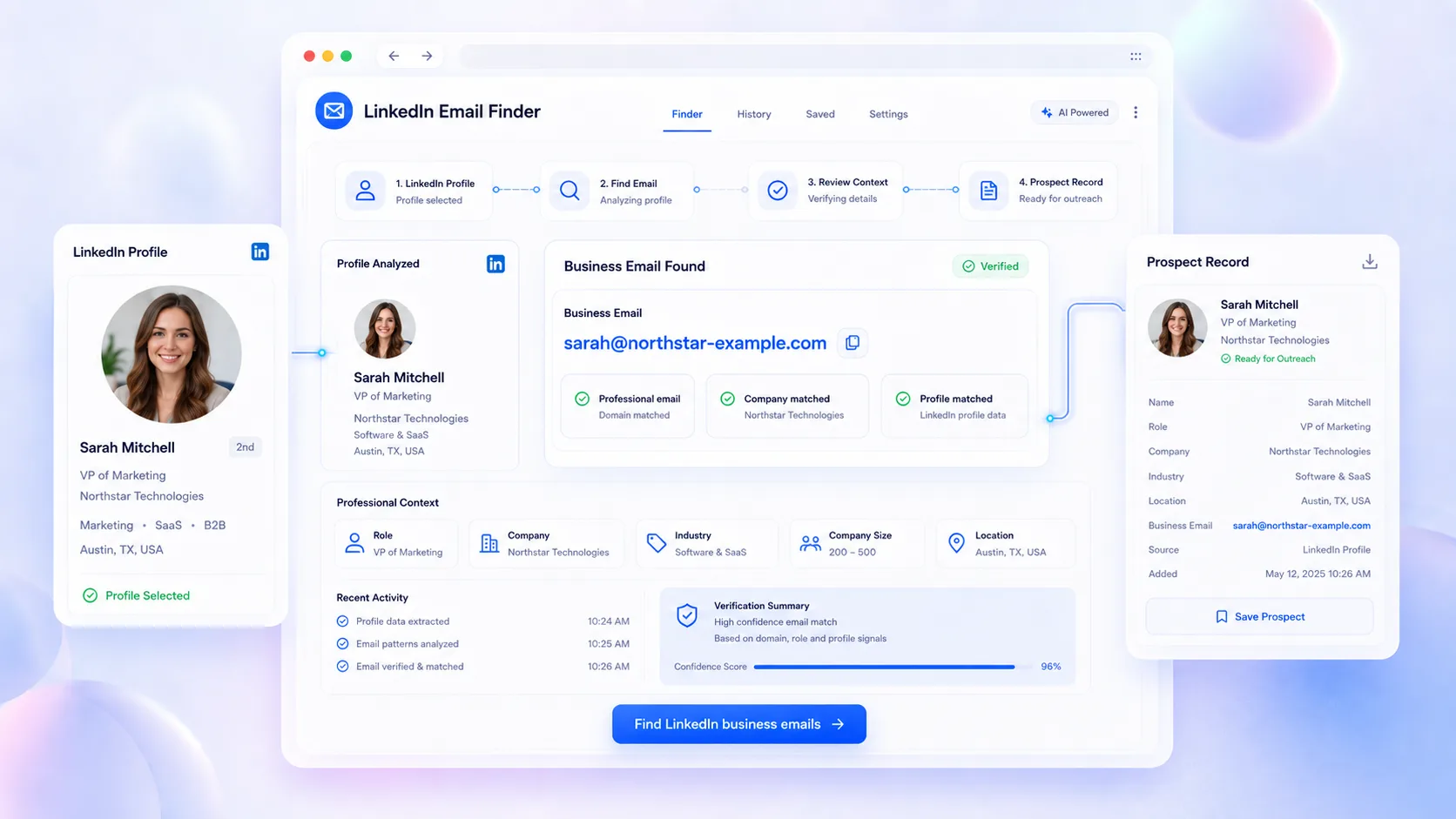
Export supported Instagram audience data to CSV, discover available LinkedIn business emails, and organize relevant records in CRM for filtering, reporting, and team handoff.
2 platforms connected through one data workflow
Move From Research to Relevant Outreach
The Challenge
Teams often finish their research with a spreadsheet but lose the original context when they begin prospecting, writing messages, or following up.
The LinkedRadar Solution
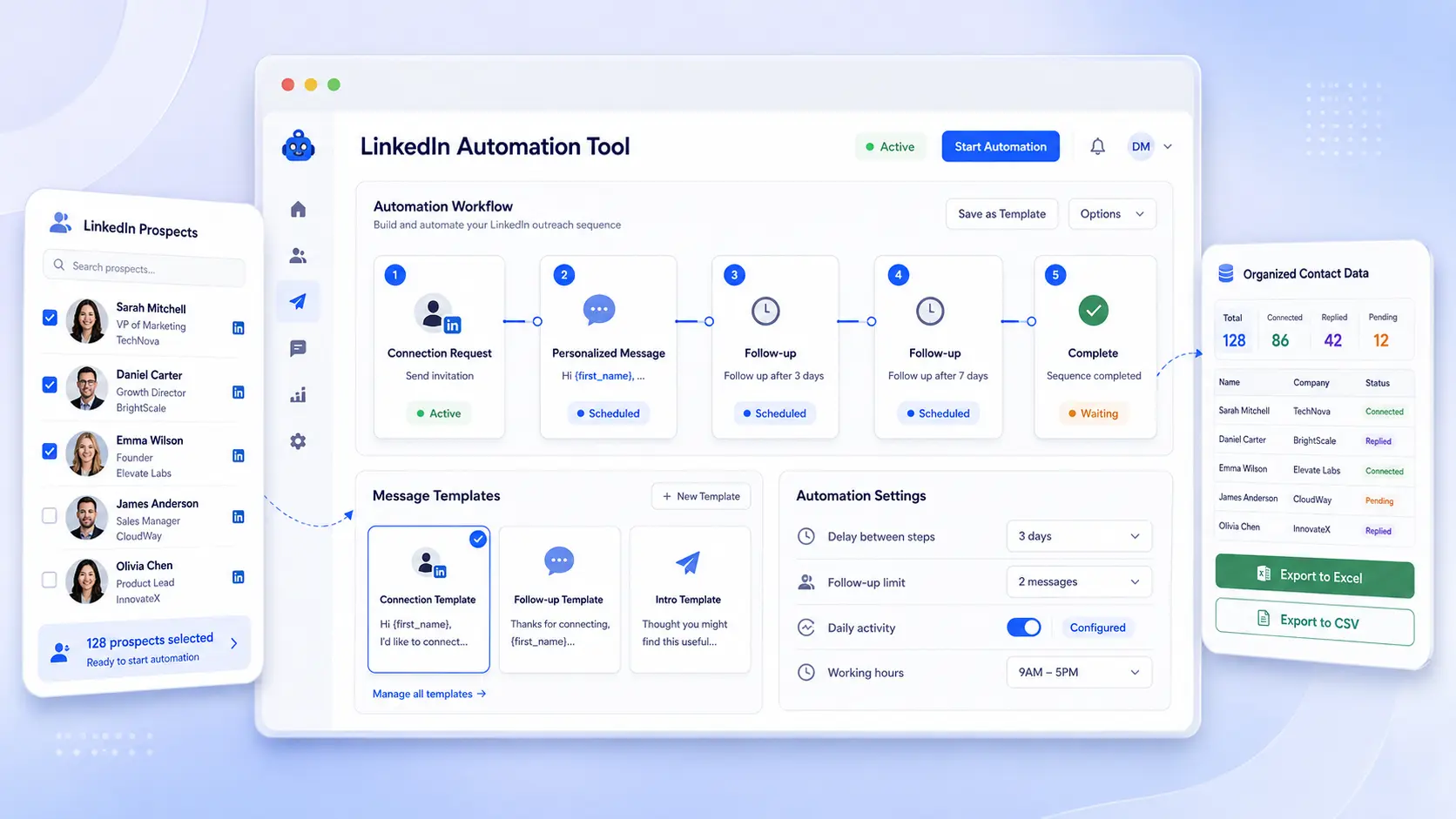
Use LinkedIn Email Finder, CRM, AI icebreakers, connection and follow-up automation, plus supported Instagram DM tools to move from useful signals into measured action.
3 stages from research to organization and follow-up
LINKEDRADAR TOOLKIT
Everything You Need Across LinkedIn and Instagram
Bring your LinkedIn and Instagram growth, research, data, and automation workflows together in one connected platform.
Instagram tool
IG Follower Export Tool
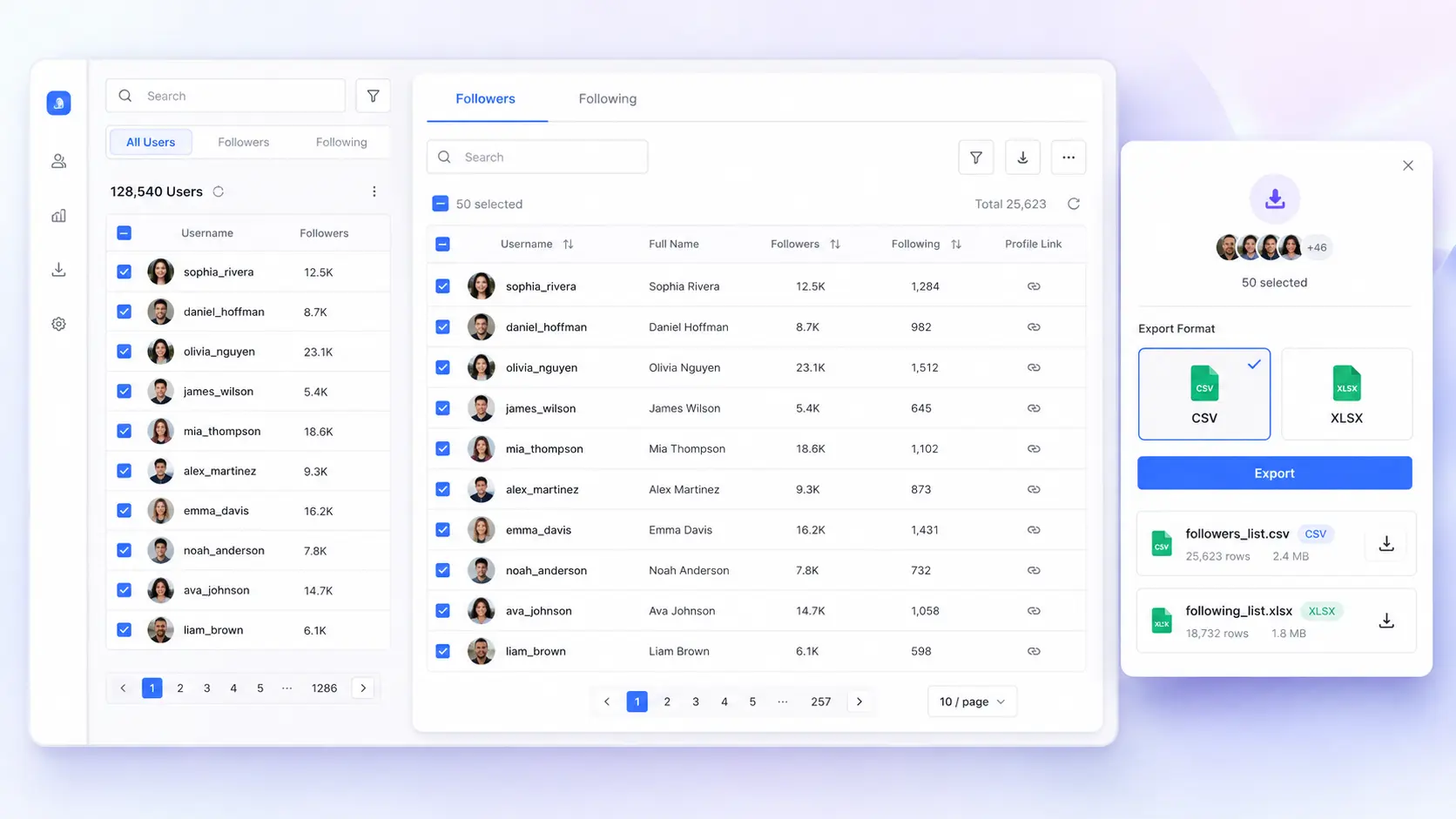
Enter a public Instagram username, choose followers or following, and turn the available audience data into an organized spreadsheet without copying profiles manually.
- Export followers and following lists
- Keep public profile details in structured rows
- Download results in CSV or Excel
BUILT FOR EVERY TEAM
LinkedRadar for Founders and Small Teams
LinkedRadar supports teams that research audiences, find prospects, organize social data, and build more relevant growth workflows.
Start with focused free tools and add automation, data exports, or CRM organization when needed.
Find professional prospects, discover business contact information, and manage structured LinkedIn follow-up.
Review public engagement, examine creator audiences, and save permitted Story media for campaign research.
Combine Instagram audience signals with LinkedIn prospecting tools to support campaign and market research.
Research candidate profiles, organize talent pipelines, and create more relevant connection messages.
Manage repeatable research, exports, reporting, and outreach preparation across multiple client workflows.
Export engagement data, review public audience activity, and organize Instagram research more efficiently.
Study public comments, likes, profiles, Stories, and professional data without manually building every record.
CUSTOMER FEEDBACK
What Teams Say About LinkedRadar
Feedback on simpler research, cleaner exports, organized prospecting, and more connected LinkedIn and Instagram tools.
We usually start with follower and comment exports, then check active Stories before a client review. Having these tasks in the same toolkit makes the research easier to organize and hand off.
Email Finder, CRM groups, and follow-up templates give our sales team a cleaner process.
The like and comment previews are ideal for quick creator checks. If a post looks relevant, I export the rows and continue the deeper research in Google Sheets.
The LinkedIn profile tools helped me improve my professional image and messaging before contacting candidates. The automation features then made follow-ups easier to manage without writing every message from scratch.
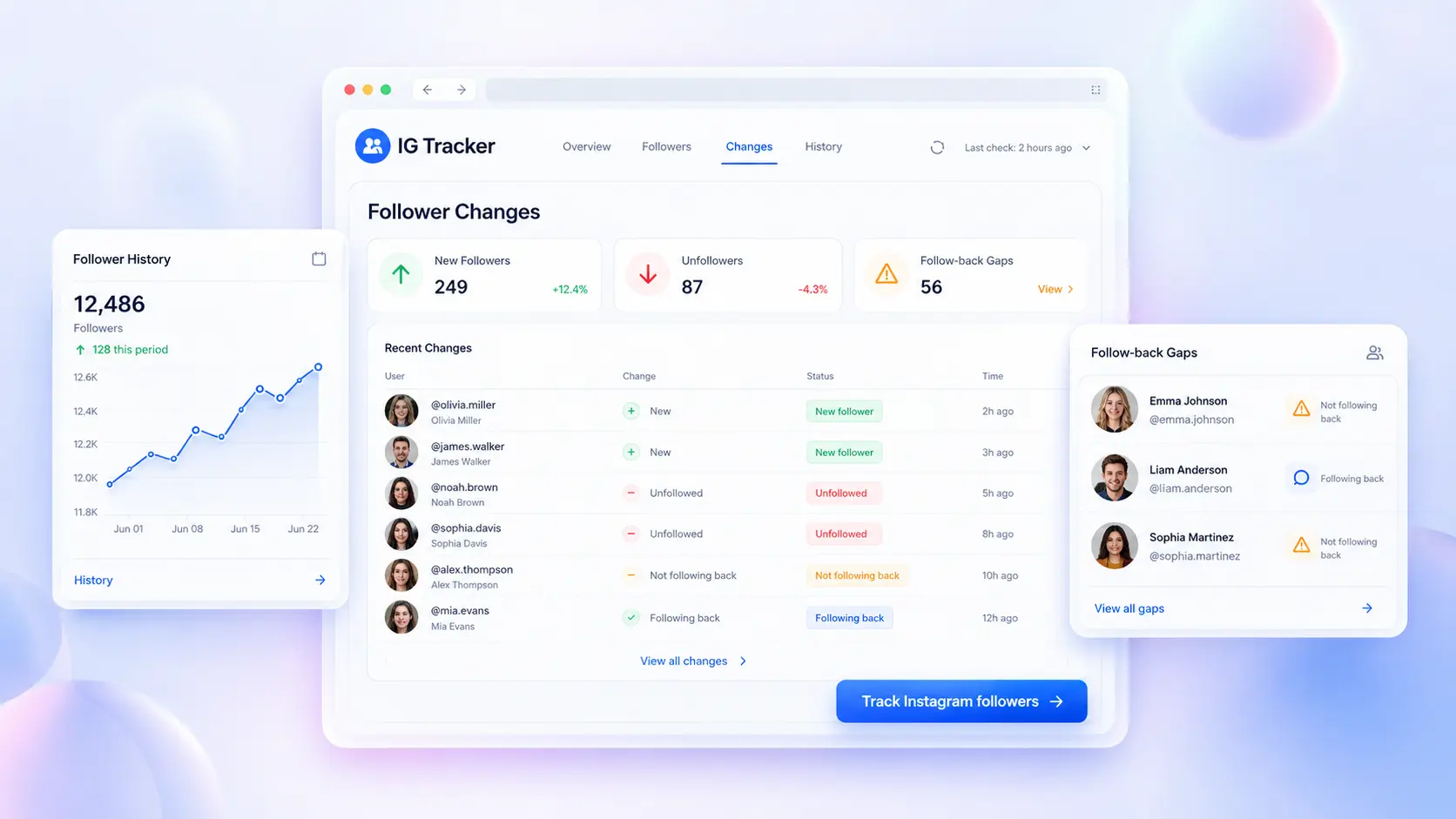
IG Tracker shows recent audience changes, while the follower exporter gives me a clean list when I need deeper analysis. That combination is much more useful than looking at follower counts alone.
For competitor research, we review Instagram engagement first and organize professional prospects separately in LinkedIn CRM. LinkedRadar supports both parts without forcing our team into one oversized platform.
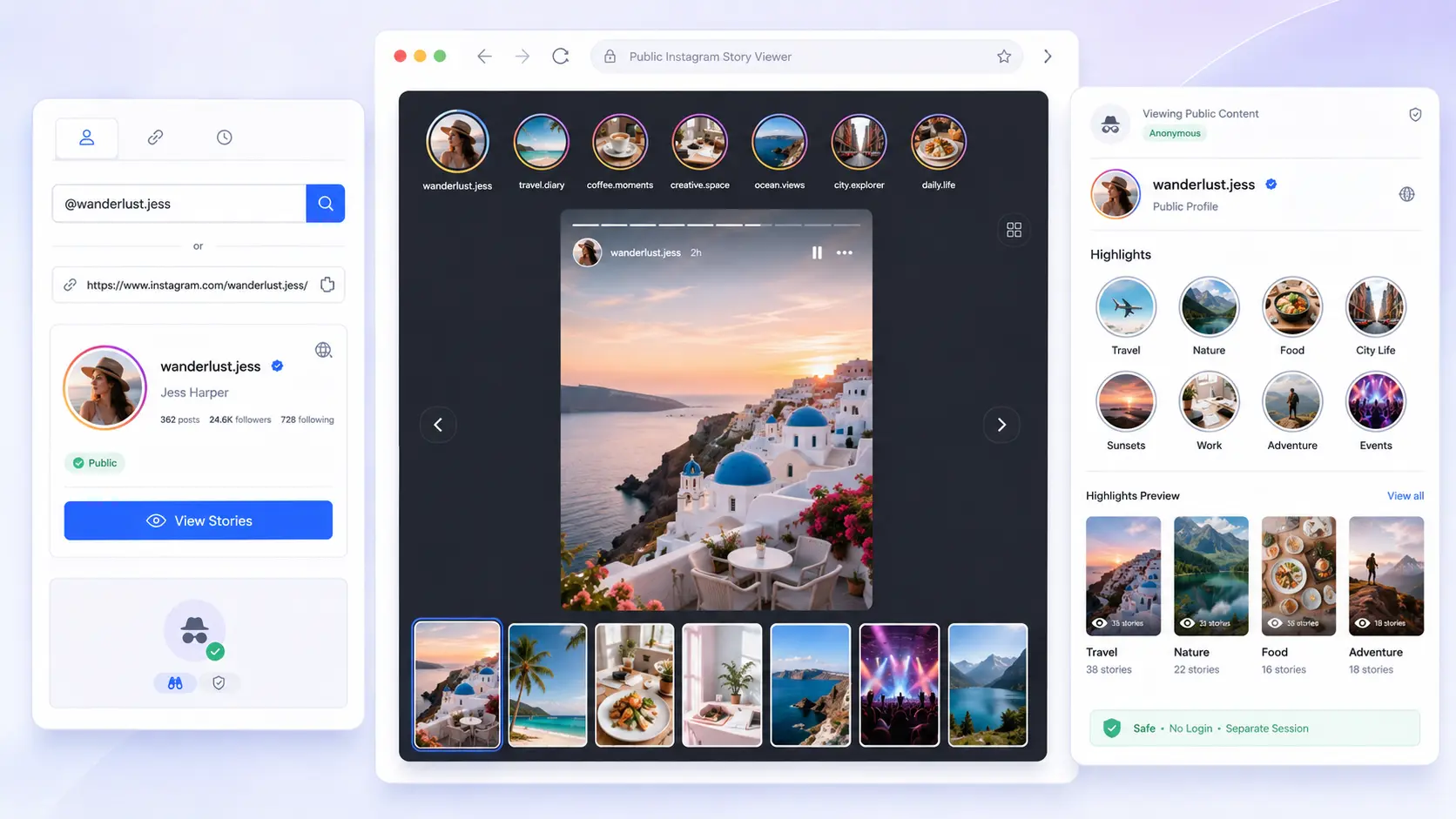
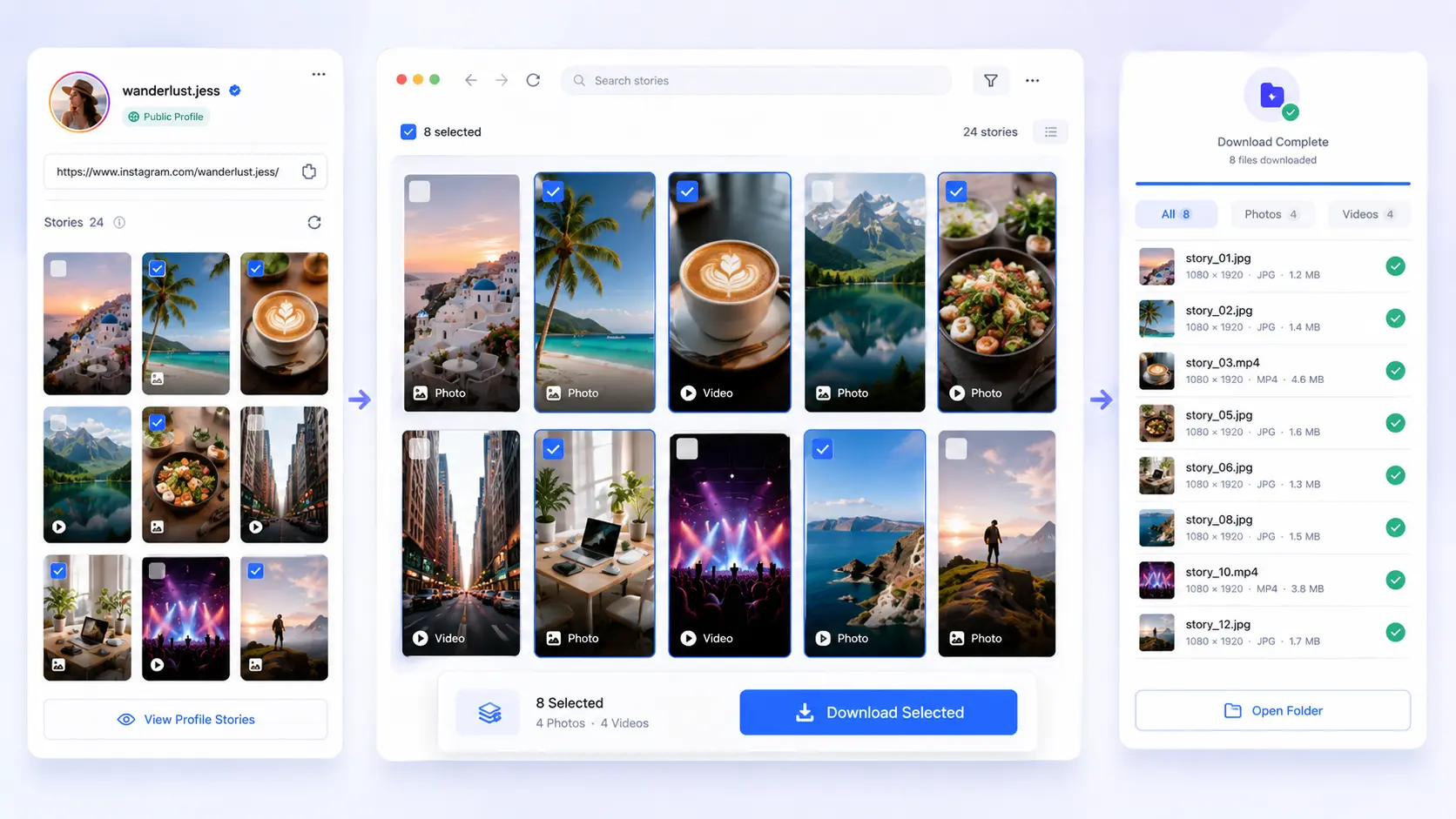
The Story Viewer and Downloader are straightforward. I can preview public media, save the permitted reference files, and avoid recording my screen.
LinkedRadar covers the practical jobs our small team repeats most: profile research, audience exports, business email discovery, organized follow-up, and public Story checks. We use different tools at different stages while keeping the overall workflow consistent.
Frequently Asked Questions
Got a question? We've got answers. If you have some other questions, see our support center.
What is LinkedRadar?
LinkedRadar is a toolkit for LinkedIn prospecting, outreach, CRM organization, and AI-assisted messaging, alongside Instagram audience exports, public-media viewing, and research workflows.
Which platforms does LinkedRadar support?
LinkedRadar's core product matrix focuses on Instagram and LinkedIn. It also provides selected tools for Facebook and TikTok, covering workflows such as data exports, public-media research, content creation, prospecting, messaging, and automation.
Is LinkedRadar free?
LinkedRadar provides free tools and free starting options. Limits, account requirements, and paid features depend on the selected product.
Do all LinkedRadar tools require an account?
No. Some public Instagram tools work without an Instagram login, while LinkedIn automation and CRM workflows may require the appropriate LinkedRadar or platform access.
Can I export Instagram data to CSV?
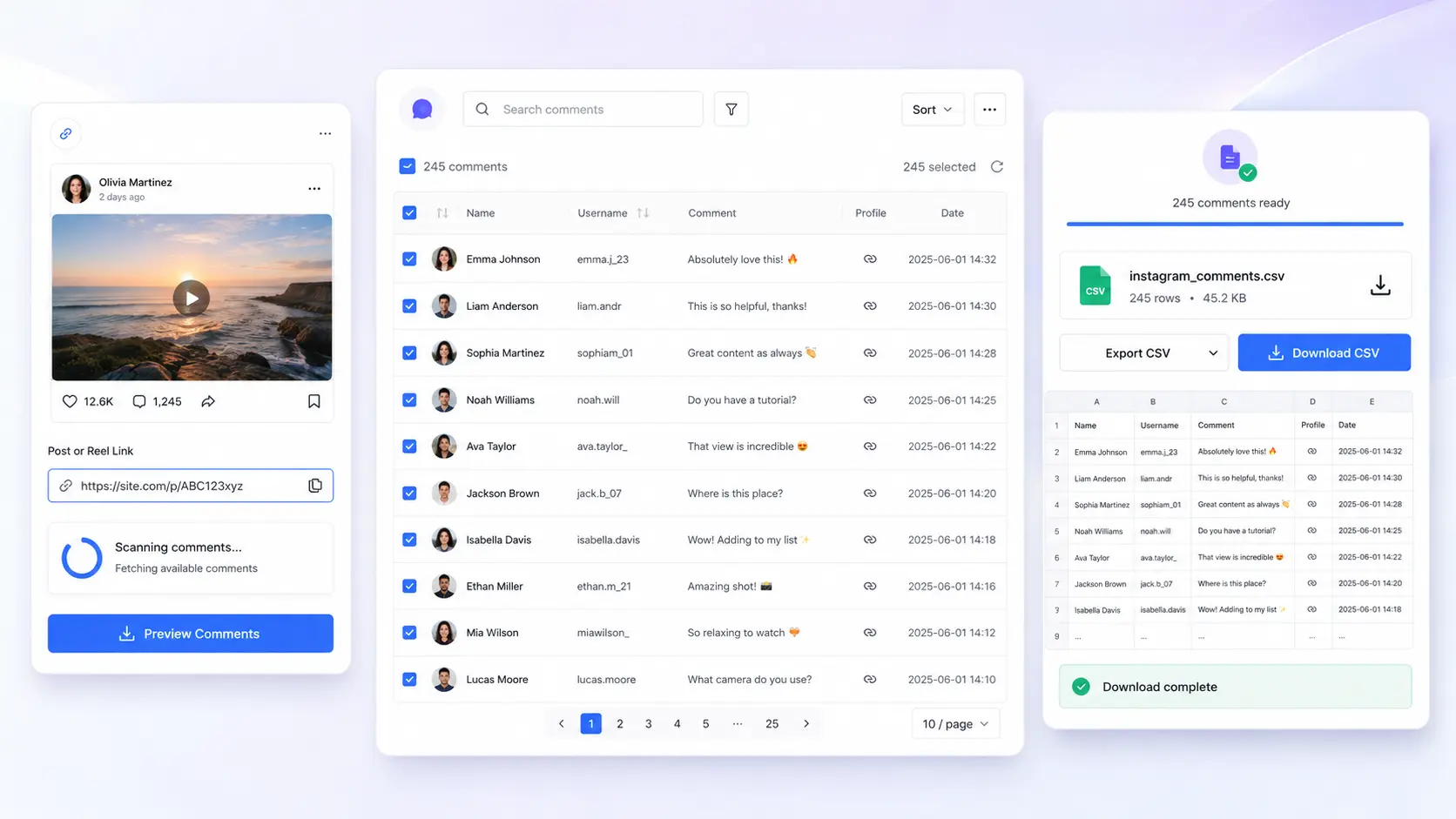
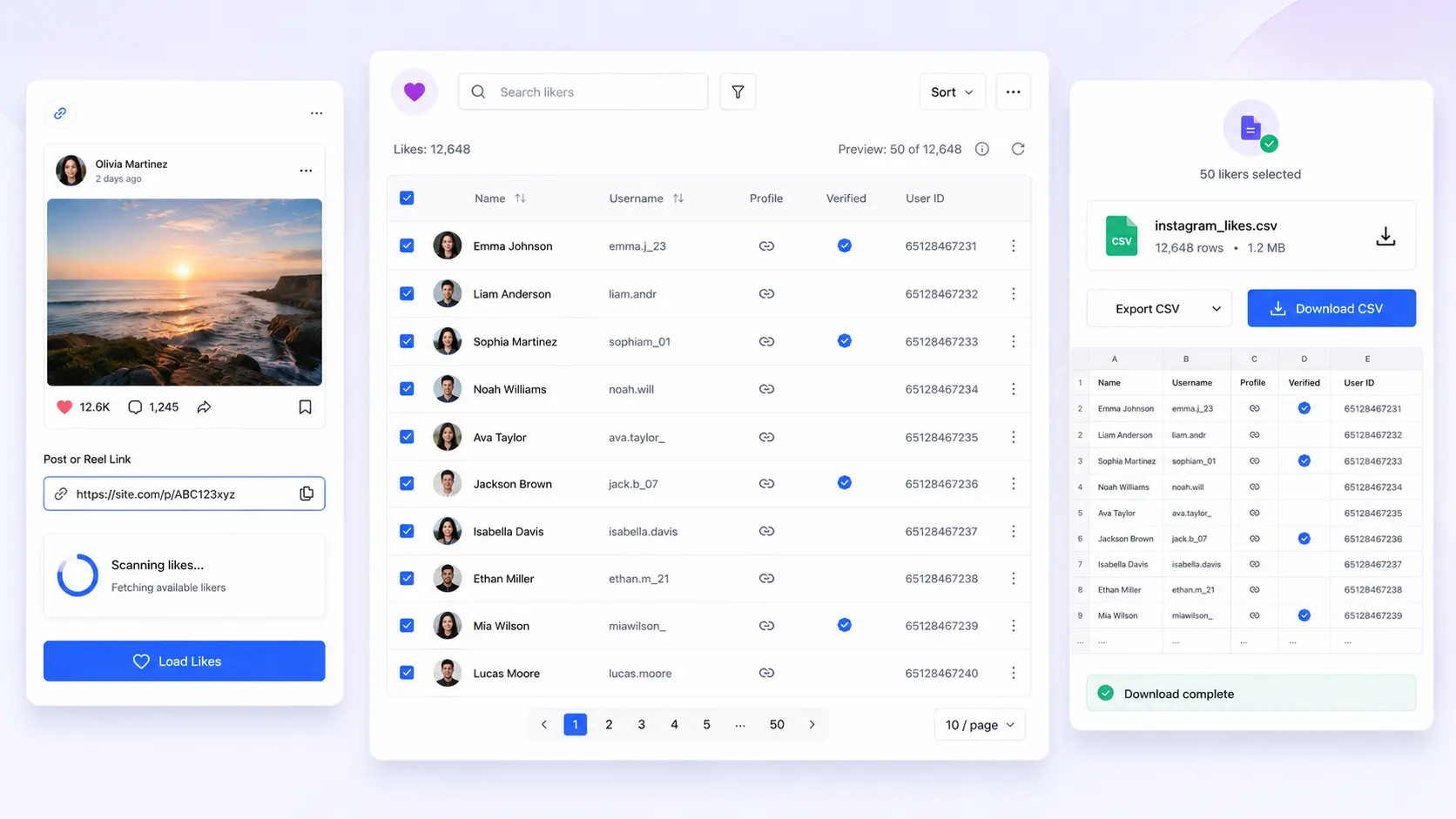
Supported Instagram exporter tools provide structured data that can be downloaded or prepared for spreadsheet-based research.
What can I do with LinkedRadar's Instagram tools?
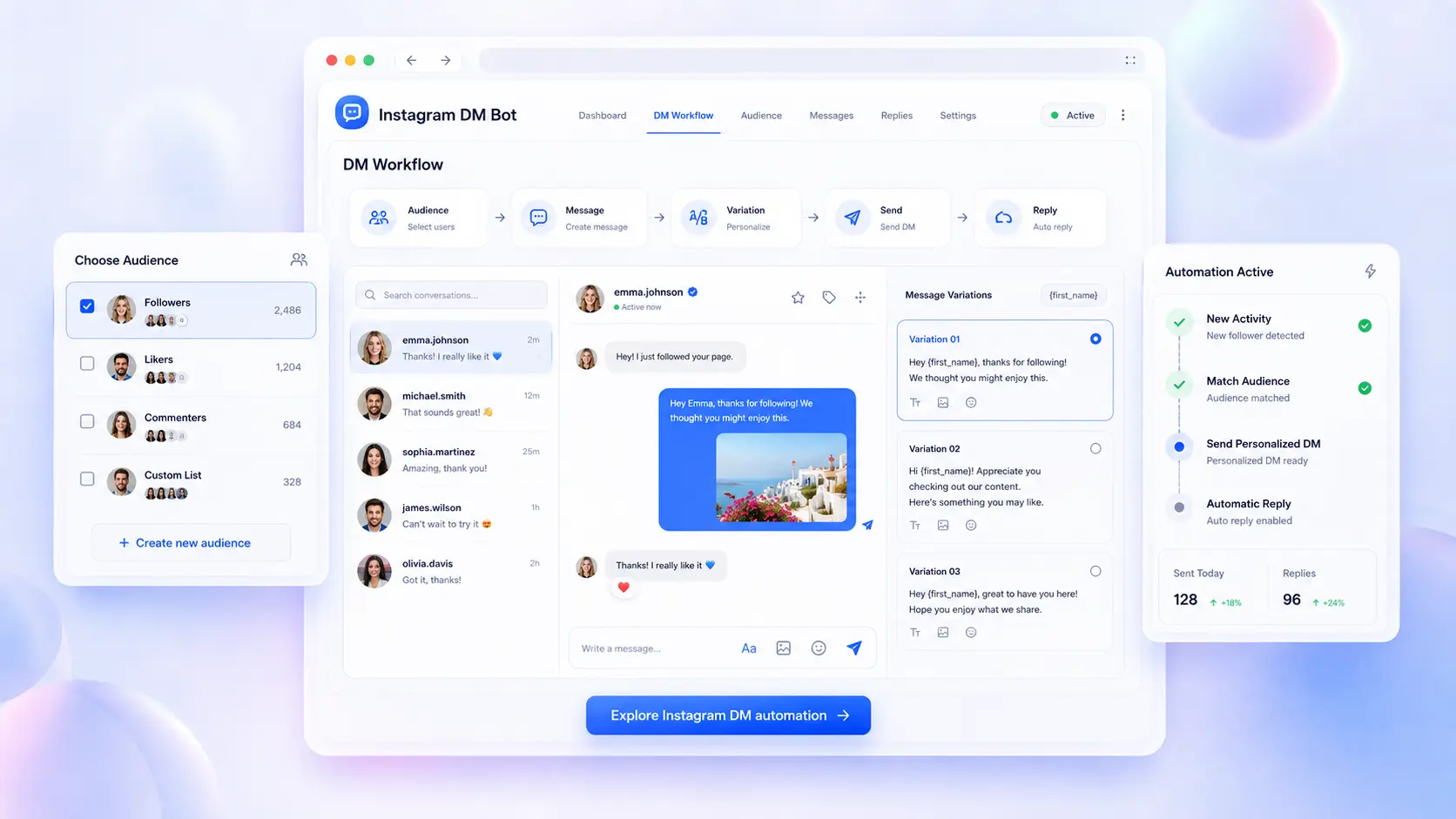
You can export available follower, following, comment, and like data, view or download public Stories, monitor follower changes, and manage supported DM workflows.
What can I do with the LinkedIn tools?
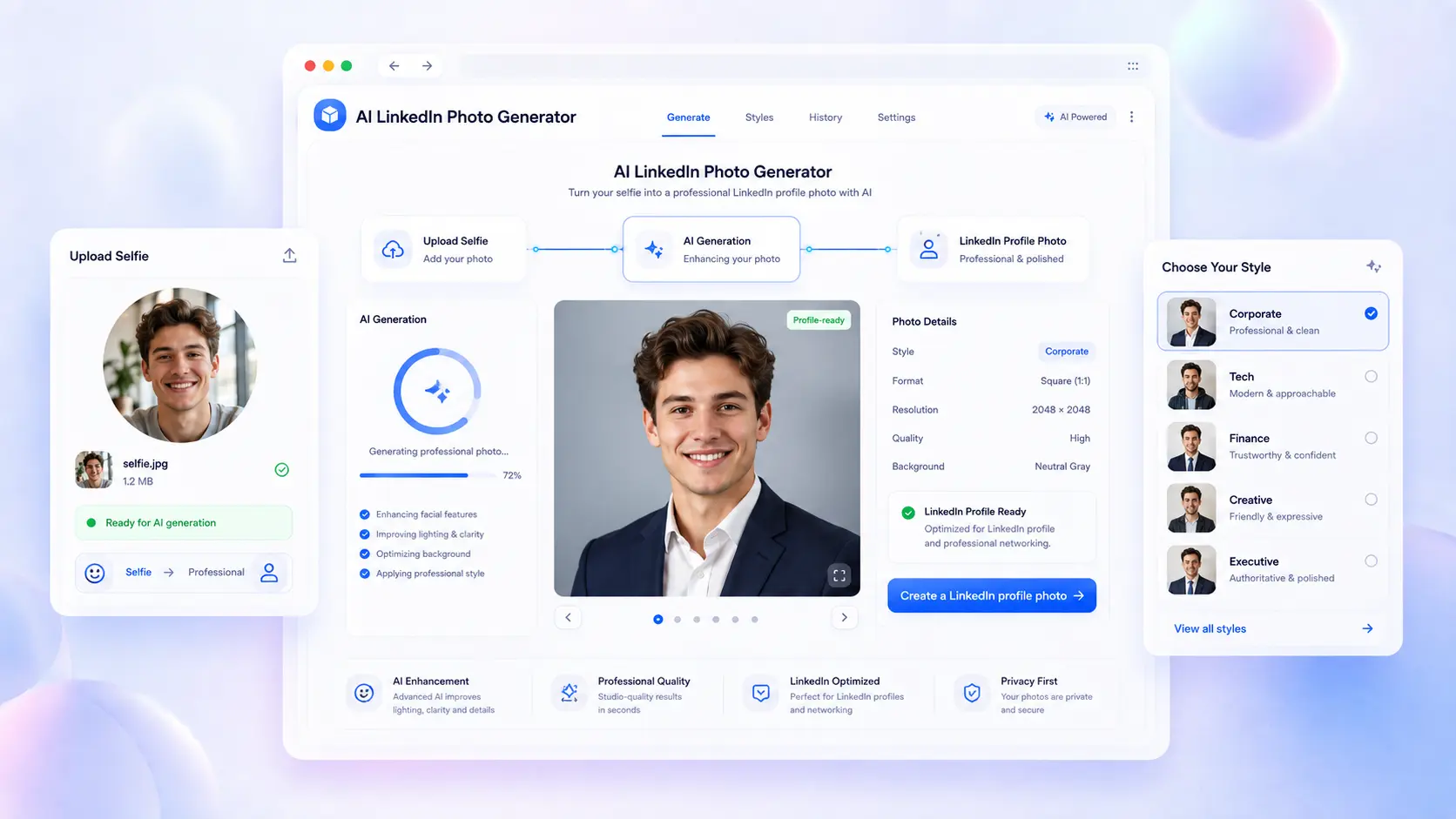
LinkedRadar supports professional profile creation, business email discovery, prospect organization, contact exports, AI-assisted messaging, connection requests, and follow-up automation.
How does the complete workflow work?
Begin with audience or prospect research, export or organize relevant information, add business context, and continue into an approved LinkedIn & Instagram follow-up workflow.
Do I need a LinkedRadar account?
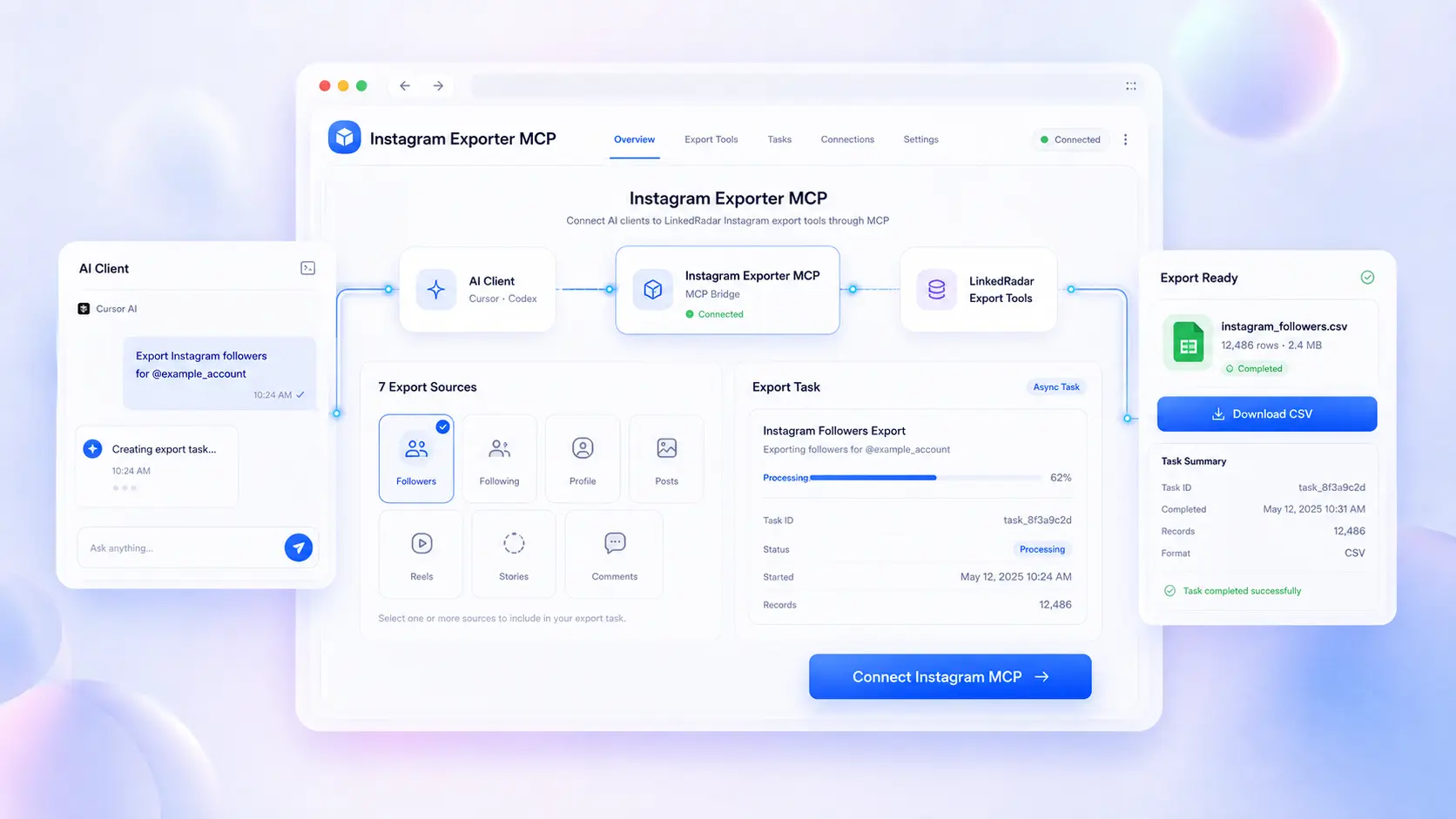
Account requirements vary. Some public Instagram tools can be used without signing in, while CRM, automation, credit-based exports, and MCP connections may require a LinkedRadar account.
Can agencies use LinkedRadar for multiple clients?
Yes. Agencies can use focused tools for audience research, data exports, campaign preparation, lead organization, and repeatable client workflows.
How does LinkedRadar handle data?
Data handling depends on the selected tool. Users should review the applicable workflow and LinkedRadar Privacy Policy before processing or exporting information.
START YOUR NEXT WORKFLOW
Start Your First LinkedIn or Instagram Workflow
Research audiences, export useful data, organize prospects, and move into relevant action with focused tools built for each stage of growth.