How many characters in Linkedin headline?
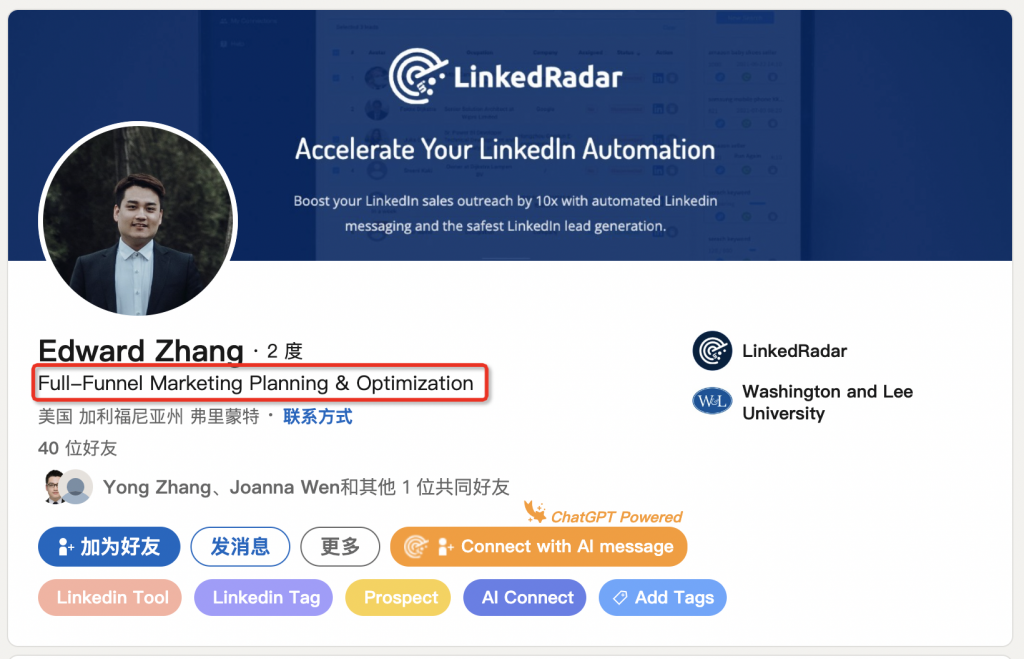
LinkedIn headlines are limited to 120 characters, including spaces and punctuation. This concise word limit means you have to be selective with what you highlight. Focus on showcasing your current role and professional identity in a scannable way. Use power words strategically to get your message across in limited space.
How to Write a LinkedIn Profile When Unemployed?
If unemployed, highlight previous job titles, industry experience, and transferable skills in your headline. Use it to summarize the professional identity and expertise you bring. Mention your ideal career or job search targets. Promote services as freelancer/consultant. The goal is still to make a strong first impression and convey value.
How to write a good LinkedIn headline?
Start by brainstorming your target identity, skills, company details to feature. Choose just 1-2 things to highlight. Craft a memorable slogan using power words and numbers. Check character count. Get creative with formatting like slashes, parentheses, hyphens. Keep revising and testing different options. Headlines with metrics highlighting achievements tend to perform well.
How to use AI to generate LinkedIn headline?
AI writing assistants and LinkedIn headline generators like LinkedRadar can help create optimized, personalized headlines tailored to your brand in seconds. You simply input some background details and the AI suggests catchy, unique headline options for you to choose from, customized to your goals. This saves you time over manually writing and testing multiple headlines. 87% of users said AI tools helped them create better headlines.