
Export Threads Followers
Select Followers to collect the available public accounts following a Threads profile. Each follower is returned as a separate record.
Export followers and following from public profiles
Enter a Threads username or profile URL, choose a list, and download the available records. No browser extension or API setup required.
Choose the list you need from an eligible public profile, then download the available records in your preferred format.
Select Followers to collect the available public accounts following a Threads profile. Each follower is returned as a separate record.
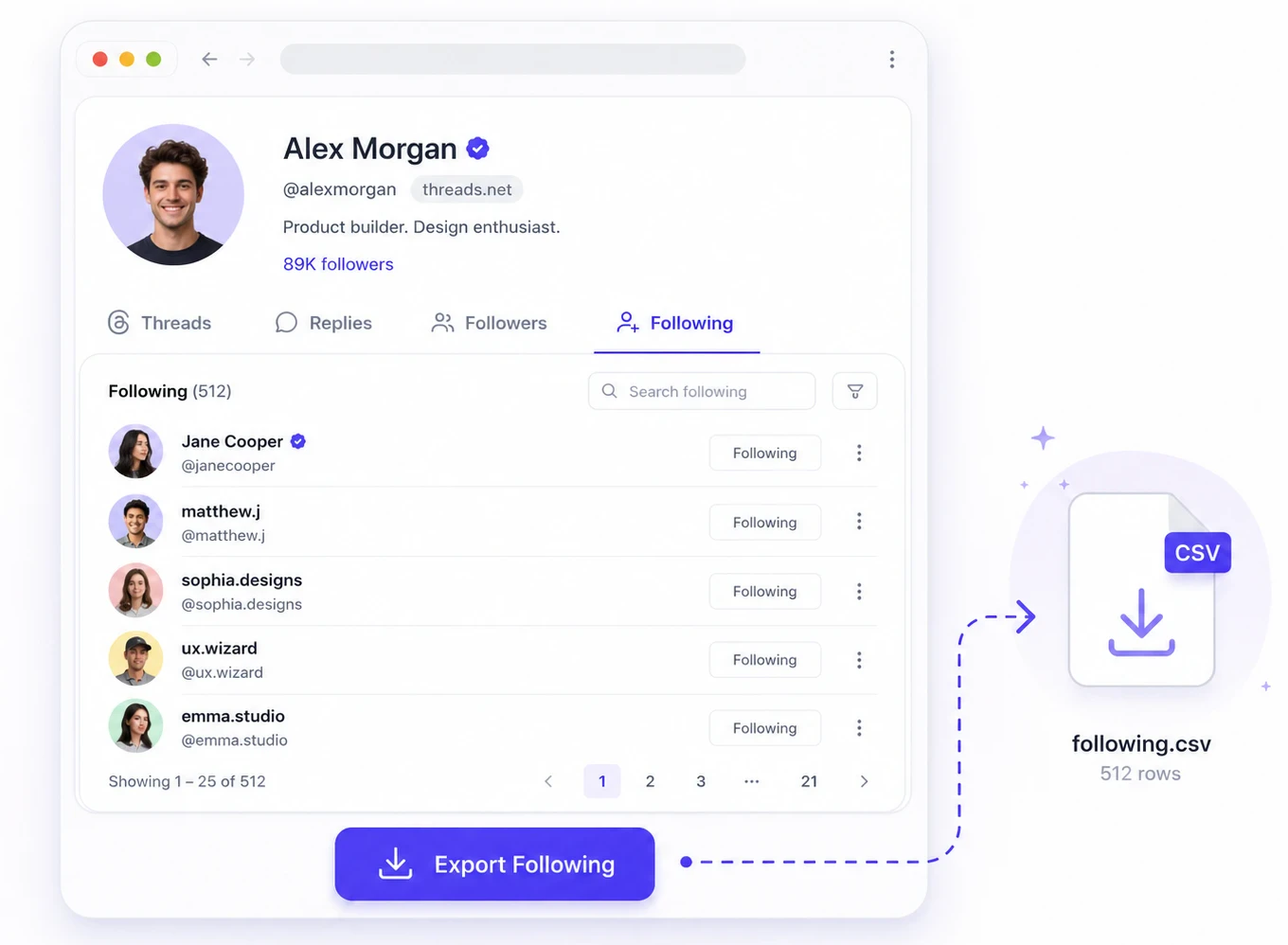
Select Following to see the public accounts a profile follows. Followers and following are processed as separate lists.
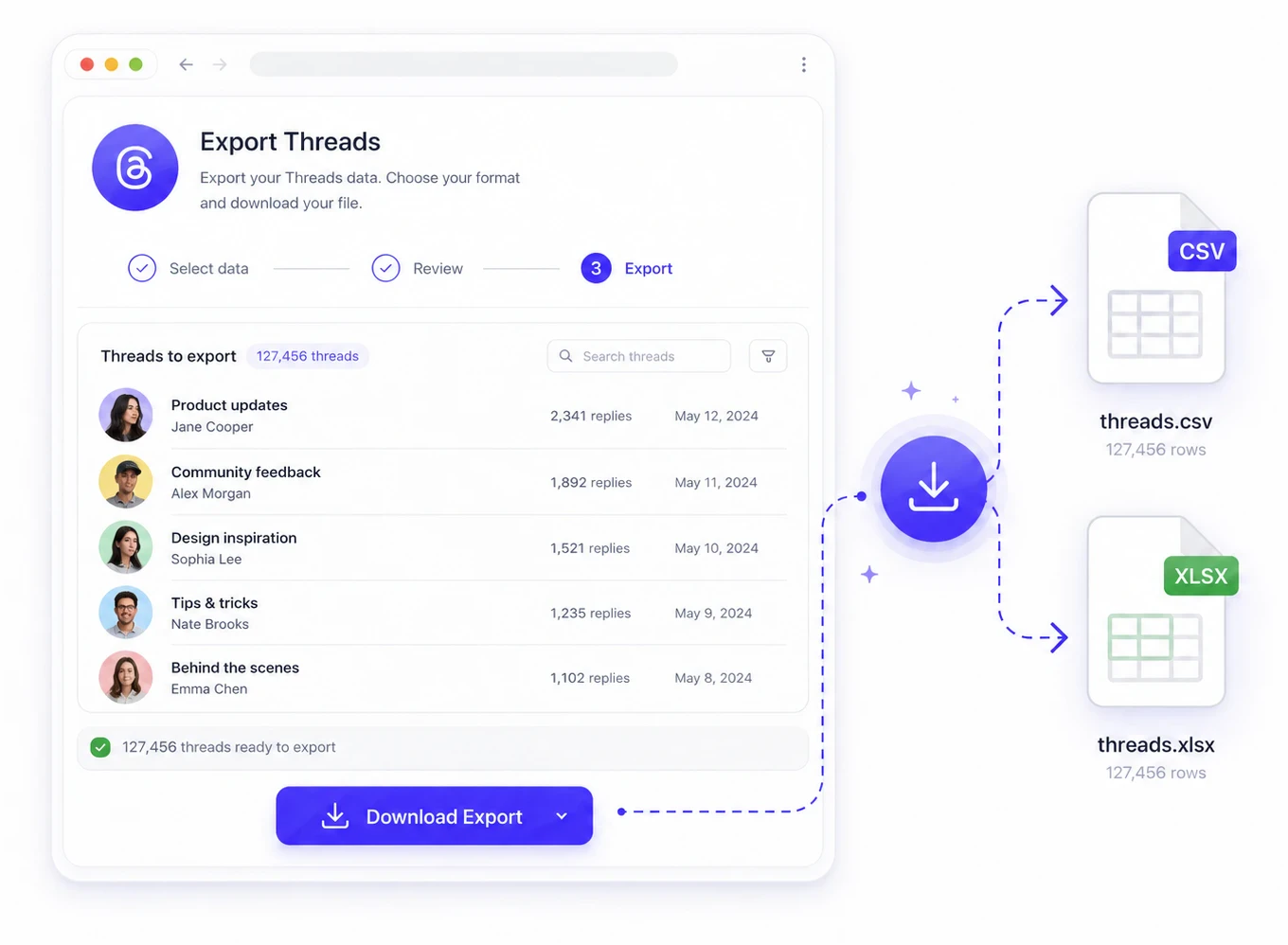
Choose the spreadsheet format that fits your workflow. Both downloads contain the same available records in structured columns.
Available profile and relationship details are separated into useful columns. Individual accounts may not expose every field.
Available fields may include:
Identify each exported account and return to its public profile.
Available fields may include:
Understand the context attached to each available profile.
Available fields may include:
Preserve the relationship between the source and each record.
Data Availability Note: Missing values remain blank. The exporter does not replace them with estimates.
Work with available Threads lists without building a technical collection workflow.
No Threads password or account connection is required. Sign in only to your exporter account.
Run an export in your browser without installing or maintaining an extension.
Enter a profile, select a list, and start the task without configuring an API.
Submit a public profile and manage its export from a supported browser.
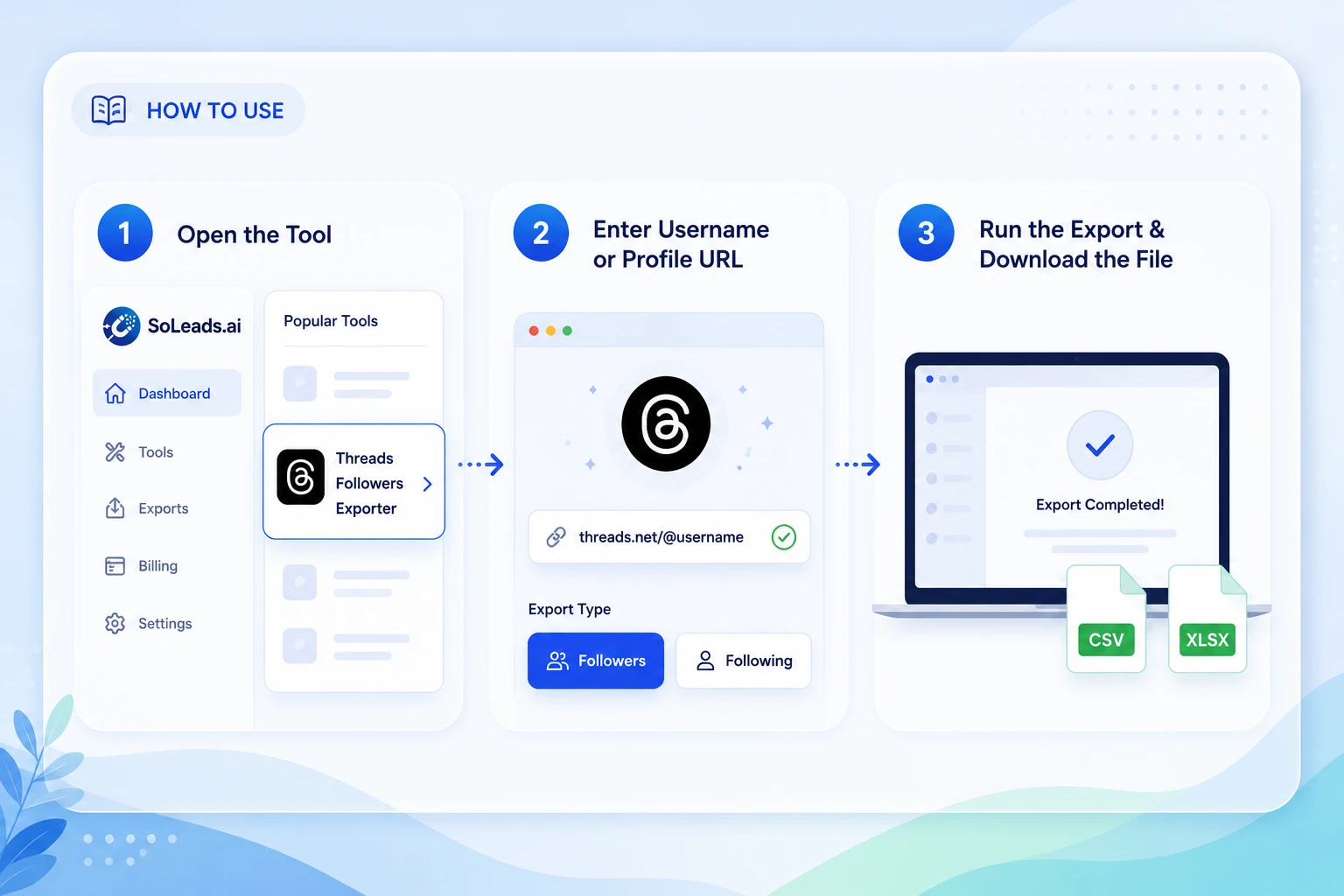
Complete a followers or following export in three steps.
Sign in and use the export form above. There is no dashboard to visit.
Choose Followers or Following and set the maximum number of available profiles.
Follow progress in Recent exports, then download CSV or XLSX when it completes.
Each list answers a different question about a public account.
See the available public accounts following the source profile.
See which public profiles the source account follows.
Compare incoming audience relationships with outgoing connections.

Review a creator, brand, publication, or community audience in structured columns. Profile links, counts, and status fields help you decide which public accounts deserve closer review.
Export Threads FollowersKeep available records in a consistent file instead of rebuilding a list by hand.
This exporter organizes accessible records. It does not reveal hidden, restricted, or private information.
Private accounts and inaccessible lists cannot be bypassed.
Visible follower counts do not guarantee that every account is available in an export.
Unavailable details are left blank rather than estimated.
Review privacy and platform requirements before using exported records.
Threads is Meta's text-based social platform for public conversations and community interaction. Public profiles can receive followers and follow other accounts. This exporter organizes available relationships into downloadable columns.

Continue your research across other public social platforms.
Export available Instagram followers or following profiles.
Open Tool →Connect compatible AI clients to Instagram export workflows.
Open Tool →Start another followers or following task right here.
Open Tool →It turns the available followers or following list of an eligible public Threads profile into a downloadable spreadsheet.
Yes. Choose one list at a time and create a separate task for each.
No. The tool only processes data available from eligible public profiles.
No. Sign in to your exporter account here, then enter a public Threads username or profile URL.
Available profile and relationship fields can be downloaded as CSV or XLSX. Individual fields may be blank.
Yes. The page and export workflow work in a supported mobile browser.
Turn an eligible public Threads profile into a downloadable followers or following file.
Export Threads Followers