
Public Profile Details
Open the public bio, username, follower and following counts, and posts that are available for that account right now.
Look Up a Public Instagram Profile
Enter a public Instagram username or profile link. LinkedRadar opens the profile it can show now. A later check compares follows, posts, and profile changes.
LinkedRadar workspace
IG Tracker
This search is limited to publicly available Instagram data. LinkedRadar does not open private profiles.
Type the Instagram username or paste the profile link of the public account you want to look up. LinkedRadar opens that profile when it is public.
See the public bio, counts, and posts LinkedRadar can show for that username. You do not have to follow the account or like its posts.
The first check is the profile as it looks now. A later check compares follows, posts, and profile changes. A real name is not enough to open the right account.
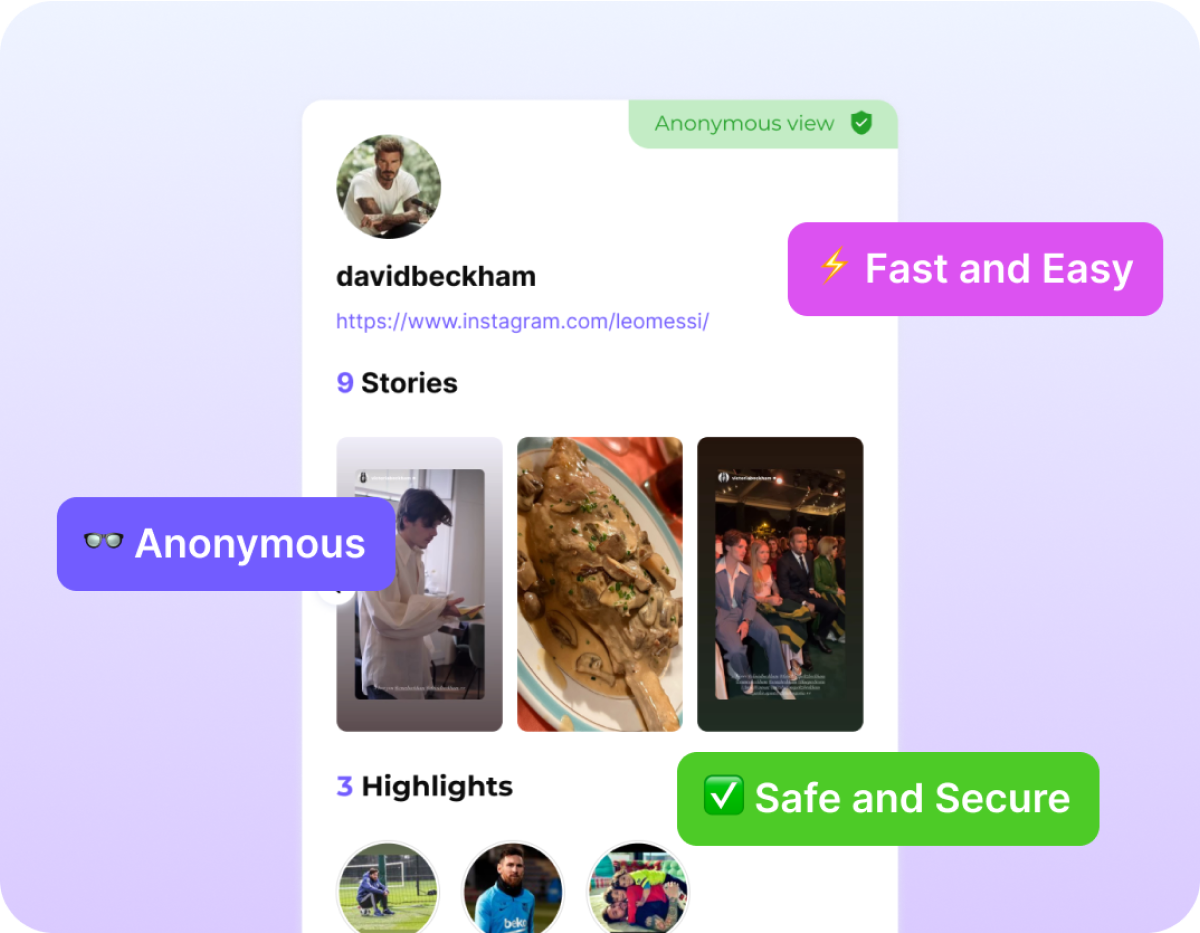

Enter an Instagram username or profile URL and go straight to the public account. You do not need a real name, email, or extra form.

Look up a public profile without signing in to Instagram or connecting your personal account. LinkedRadar does not ask for that account's password.

Recruiters, creators, and marketers can review a public bio, counts, and recent posts before they follow, message, or pitch.

If the account is private, removed, or the username changed, the search cannot open hidden content.
Open the public bio, username, follower and following counts, and posts that are available for that account right now.

The lookup does not require you to follow the account, like its posts, or sign in as them.

Enter a username and open the public profile. There is no extra form for a full name or email.

Use the same Instagram user search in a phone, tablet, or desktop browser.

Look up a creator, classmate, or brand and read the public profile without following them first.
Review a candidate's public Instagram presence before you decide whether to reach out.

Open another public account to see how it presents its bio, counts, and recent posts right now.

Start with the public profile, then run a later check when you need follows, posts, or profile changes.
No. LinkedRadar's Instagram user search works with an exact username or profile link. A real name can match the wrong account, or none at all.
You can view public details such as the bio, username, follower and following counts, and posts that are available now. A later check compares follows, posts, and profile changes.
No. LinkedRadar only opens public Instagram profiles. Private content is not displayed.
No. LinkedRadar does not ask for the Instagram password of the account you look up, and you do not sign in as them.
It is a search for a public Instagram profile. Enter a username or profile link, review what is public now, and use a later check when you want to see what changed.
Enter a username or profile link. LinkedRadar opens the public profile it can show now. No Instagram login required.