
Public Video Files
Save the public Reel the viewer can open.
Save Public Reels and Videos
Enter a public username and save the videos available on the Reels tab. LinkedRadar does not add a watermark. Private videos stay closed.
The Instagram video downloader opens public Reels for a username. This only covers public Instagram data. Private accounts stay closed.
Enter a public username. Videos on this page come from that account's Reels tab. No Instagram login is required.
Open a public Reel before you save it. Private videos are not available.
Download the file that loads for that Reel. LinkedRadar does not add a watermark. Marks already in the video stay in the file.
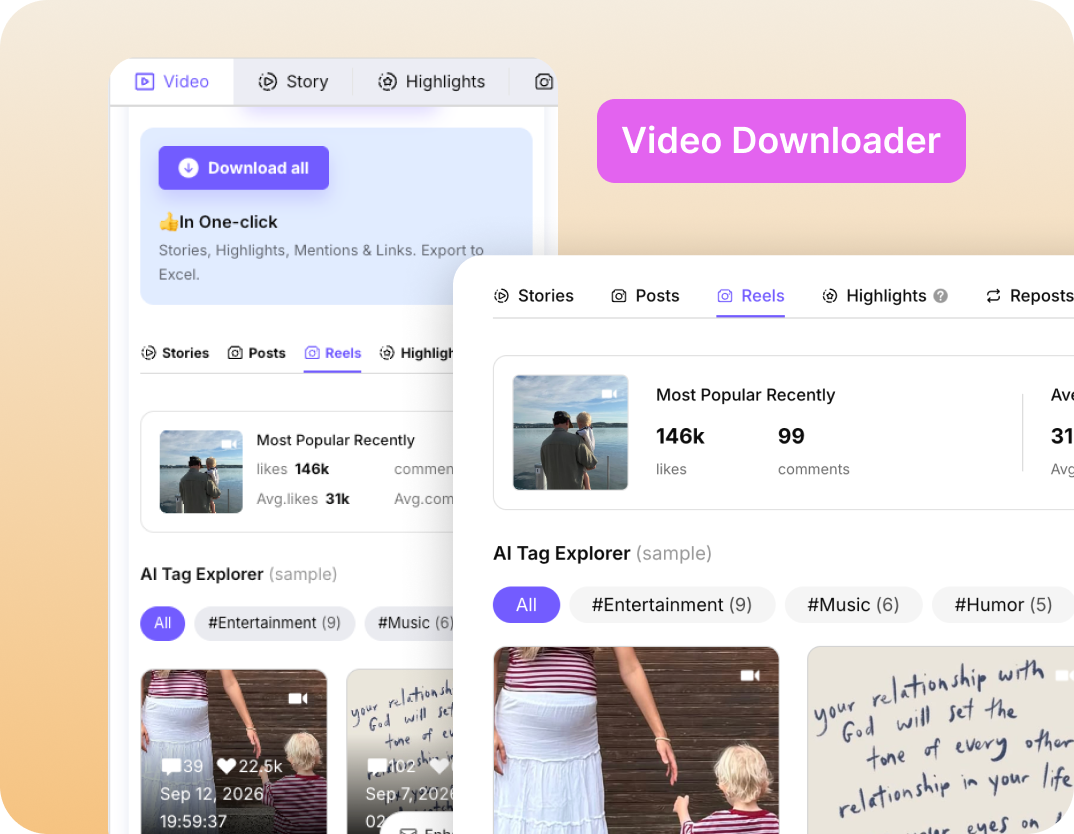

You save the public Reel instead of recording the screen.

Enter the public username. LinkedRadar does not ask for that account's Instagram login.

Username, Reels, then download.

No separate downloader app is required for this page.
Save the public Reel the viewer can open.

Posts and Highlights have their own pages. This one stays on video.

LinkedRadar does not add a watermark. A mark already in the Reel stays in the file.

The page runs in the browser. The saved file goes to that device’s downloads.

Keep a copy of a public Reel you published or want to study.

Save a public how-to so you can pause it without the app.

Hold a public video for editing notes or a moodboard.

Watch the saved file when you do not want to load Instagram again.
Public Reels that load for the username you enter. The Instagram video downloader does not open private videos.
Check the username, confirm the account is public, and try again if the Reel was removed or the preview did not finish loading.
Yes. Use the browser, then check the device downloads or the Files app.
LinkedRadar does not add one. Logos or captions already in the Reel remain.
LinkedRadar does not send a download notification.
Enter a public username and save the Reels available on that profile. No Instagram login required.