686.5Mtotal
686,515,583 total
Analyze any public Instagram profile and turn visible account data into a structured report. Explore profile details, recent content performance, engagement patterns, hashtags, public locations and available Stories.
Search a public Instagram account to see which report modules are available before the analysis begins.
The report keeps raw public signals in context, so you can distinguish what was measured, what was sampled and what was unavailable.
Review profile identity, audience size, biography, visibility and available account history in one place.
Compare recent format mix with median likes, comments and Reel plays, then inspect the strongest sampled posts.
Surface recurring commenters, ranked repeat-liker samples, public tags and coauthor activity.
See sample sizes, capture times and module limitations instead of treating partial public data as a complete history.

686,515,583 total
157 accounts
8,622 publications
Discover what's new on Instagram 🔎✨
Use LinkedRadar's Instagram Profile Analyzer to move from a public profile to a structured research report without manually collecting every visible signal.
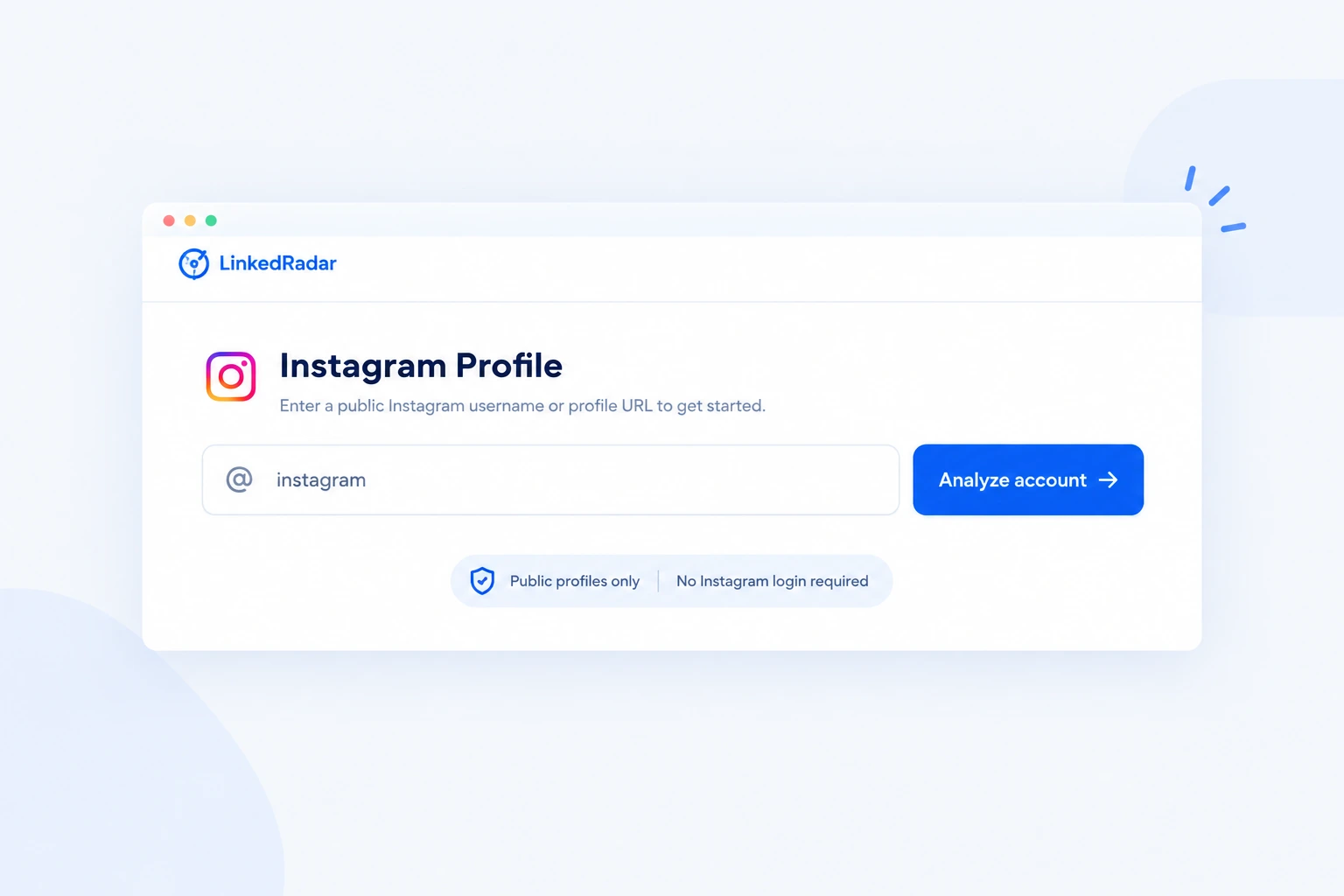
Enter a public Instagram username or profile URL. No Instagram login required.
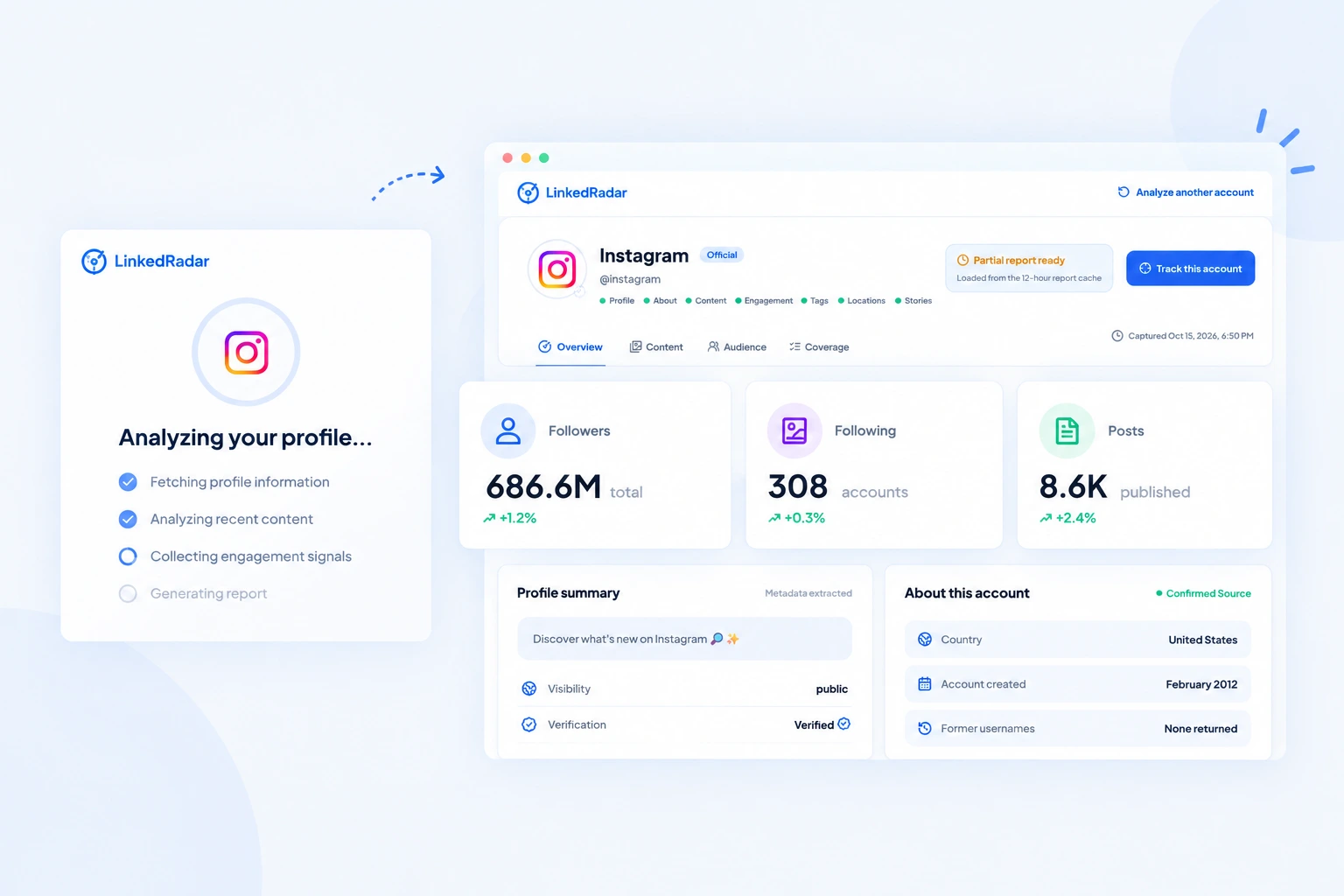
Let LinkedRadar analyze available profile details, recent content and engagement signals.
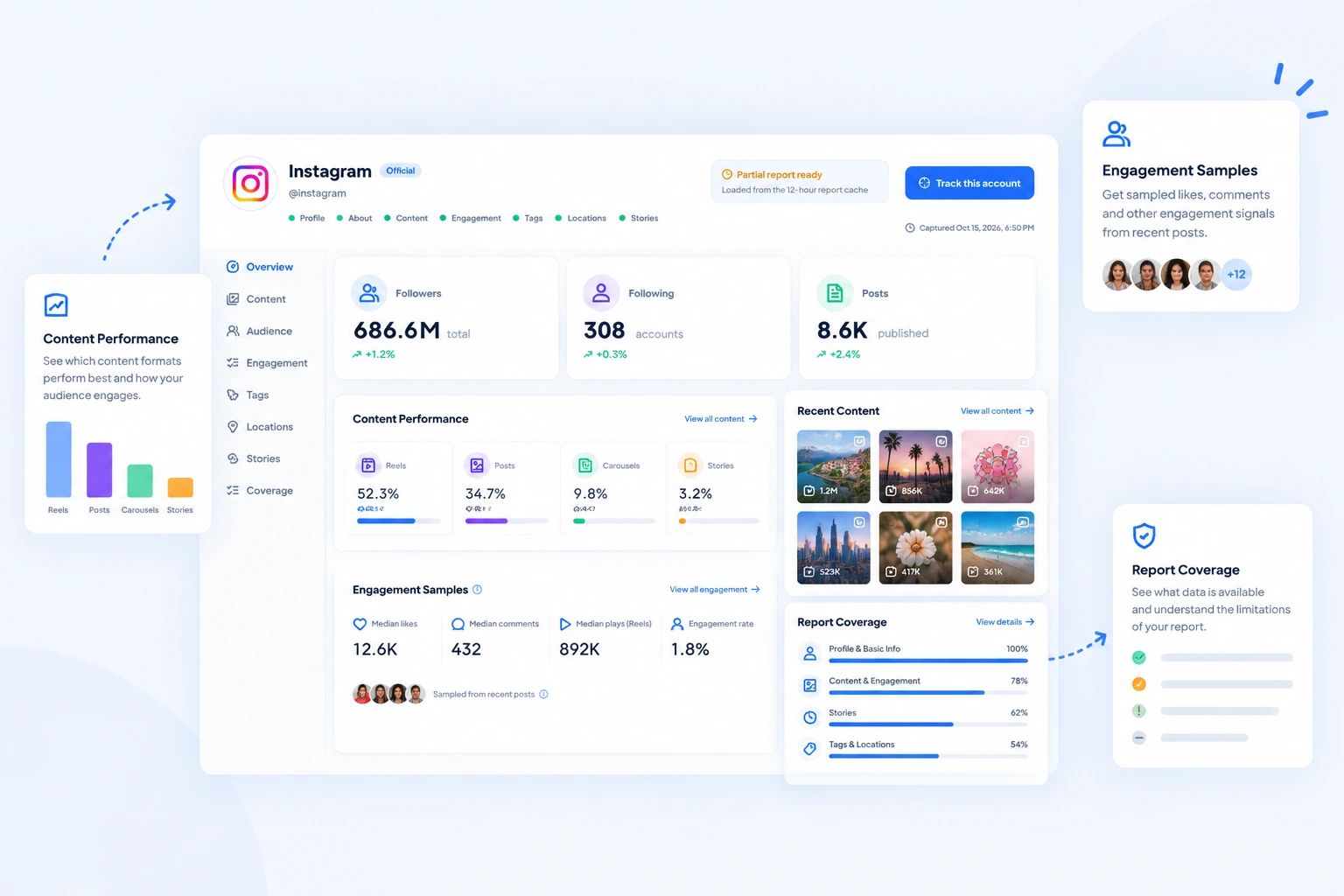
Review account metrics, content performance, engagement samples and report coverage in one place.
Analyze public profiles without connecting your Instagram account.
Never provide your Instagram password or verification code.
The analyzer does not unlock private profiles or restricted content.
Analysis results may be cached for up to 12 hours. See our Privacy Policy for details about data retention and processing.
Turn public Instagram data into actionable insights. Analyze account details, content performance and engagement signals in one structured report.
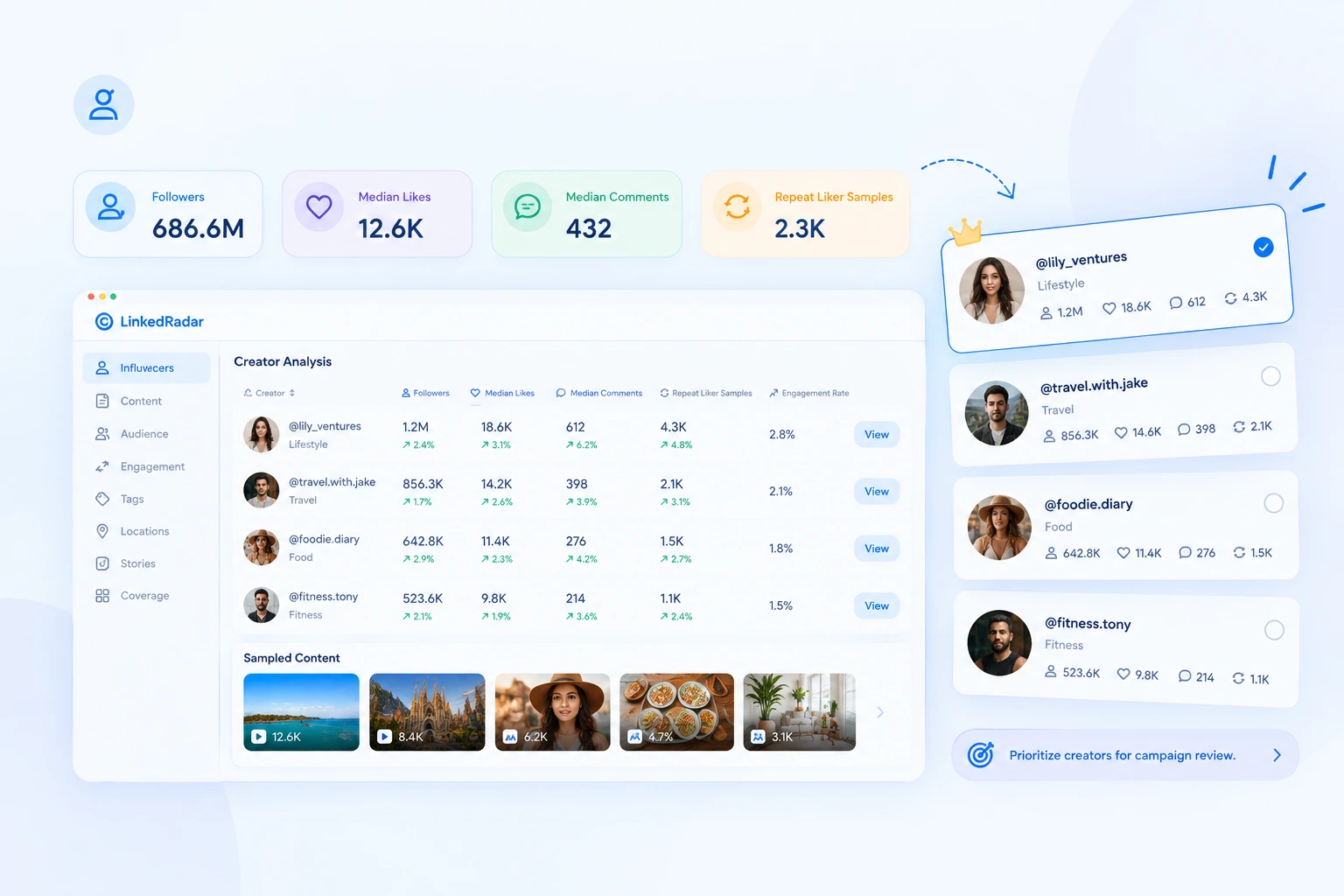
Compare audience size, median engagement and sampled content before shortlisting potential partners.
Key data: Followers · Median Likes · Median Comments · Repeat Liker Samples
Outcome: Prioritize creators for campaign review.
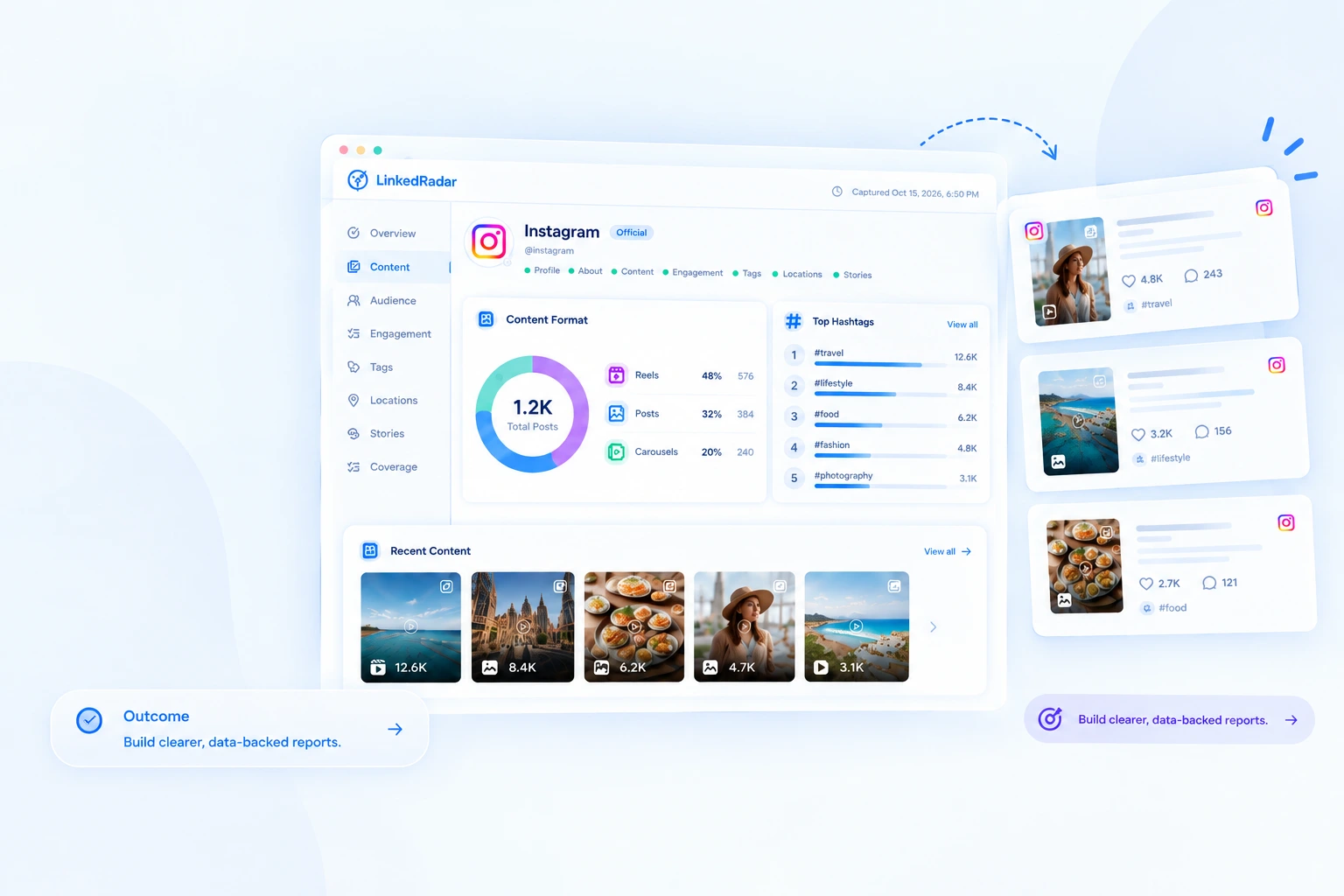
Review content formats, sampled performance and hashtags without manually checking every post.
Key data: Reels · Posts · Carousels · Hashtags · Capture Times
Outcome: Build clearer, data-backed reports.
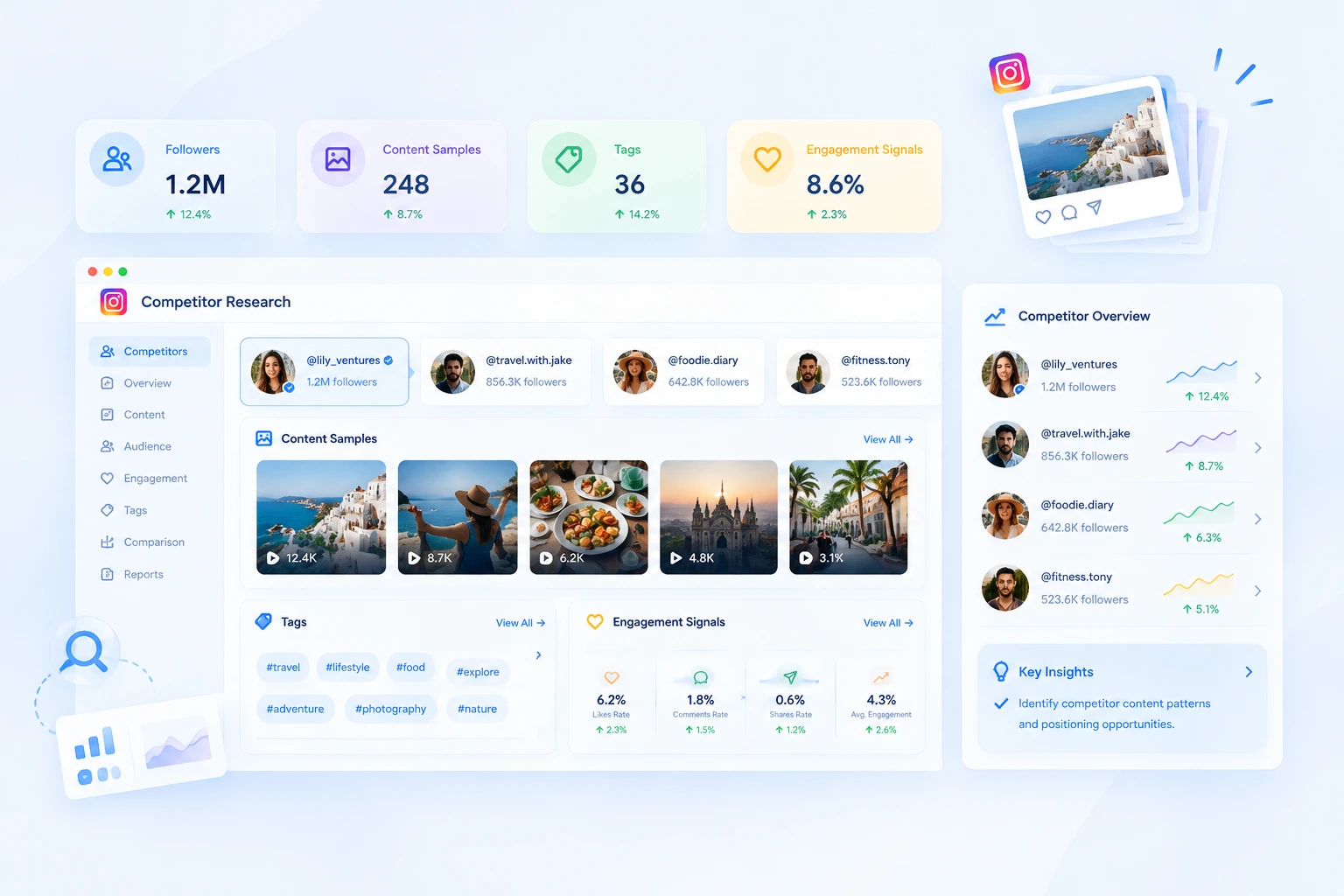
Review profile details, content samples and public engagement signals across competing accounts.
Key data: Followers · Content Samples · Tags · Engagement Signals
Outcome: Identify competitor content patterns and positioning opportunities.
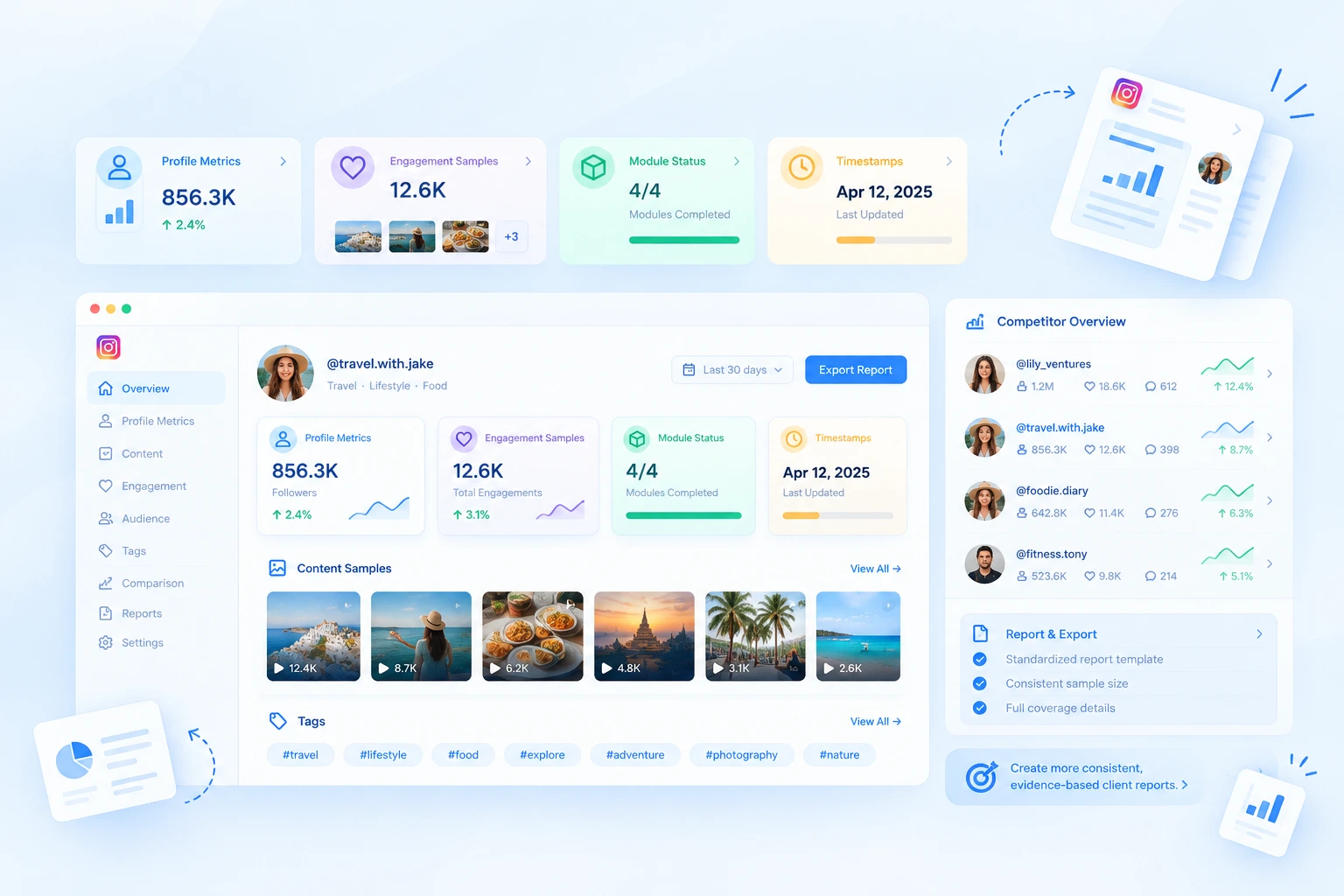
Use consistent report views, sample sizes and coverage details to support creator screening and client research.
Key data: Profile Metrics · Engagement Samples · Module Status · Timestamps
Outcome: Create more consistent, evidence-based client reports.
Explore how structured account research can support creator evaluation, content analysis and campaign planning.
Before shortlisting creators for a campaign, I need to understand more than their follower counts. LinkedRadar brings profile details, sampled content performance and engagement signals into one report, making it easier to identify which accounts deserve a closer look.
I use Instagram account analysis to review content formats and engagement patterns. Having Reels, posts, carousels and median engagement metrics organized in one place makes competitor reviews more efficient and helps me identify ideas worth testing.
What I find useful is the report coverage information. Seeing sample sizes, capture times and module status helps me explain what the data actually represents instead of presenting limited observations as a complete account history.
When comparing public Instagram profiles, I want a consistent way to review account size, recent content and visible engagement. LinkedRadar's Instagram Analyzer gives me a structured starting point before I move into deeper competitor and creator research.
LinkedRadar's Instagram Analyzer organizes publicly available Instagram account data into a structured report. Depending on data availability, you can review profile details, follower counts, recent content performance, hashtags, public tags, geotags, recurring commenter and repeat-liker samples, and active public Stories.
Enter a public Instagram username, @handle or profile URL into the Instagram Profile Analyzer. LinkedRadar resolves the account, checks which analysis modules are available and organizes the returned information into report views. Review the Coverage section to understand sample sizes and limitations.
No. The Instagram Profile Analyzer does not bypass private account settings or access restricted content. Some basic public profile information may be available, but content and engagement analysis may be limited or unavailable for private Instagram accounts.
No. LinkedRadar's Instagram Account Analyzer works with a public Instagram username or profile URL. You do not need to enter your Instagram password, verification code or session cookie to generate an Instagram analysis report.
A partial Instagram analysis report means that some modules returned data while others had limited coverage or could not retrieve enough public information. Collection budgets and module-specific restrictions may also affect results. Open the Coverage tab in your Instagram Analyzer report to review sample sizes, capture times and module limitations.
No. The Instagram Analyzer may provide ranked public engagement samples from recently observed posts rather than a complete list of every like and comment. LinkedRadar displays available sample counts and coverage details to help you interpret Instagram engagement data without mistaking sampled results for a complete interaction history.
Each Instagram analysis report includes capture timestamps so you can understand when the data was collected. Completed results may be cached for approximately 12 hours, while Stories data reflects active public Stories available during collection. Because Instagram content can change at any time, the report may not reflect every update made after capture.
Yes. LinkedRadar's Instagram Analytics Tools workflow can support creator screening and client research through structured account overviews, content metrics, engagement samples and coverage information. Include the observation date and sample limitations in your deliverable, and verify important findings before making commercial recommendations.
The Instagram Profile Analyzer is primarily designed to generate an account analysis report. If you need recurring comparisons, follower-related changes or supported profile and media monitoring, explore LinkedRadar's separate IG Tracker. Tracking availability, schedules and credit requirements depend on the selected workflow and plan.
You can analyze up to 3 Instagram profiles per day without logging in to LinkedRadar Instagram analyzer. To analyze more accounts and access additional data, log in to your LinkedRadar account. Available insights depend on public data availability and report coverage.
Use LinkedRadar’s Instagram Profile Analyzer to explore public account details, evaluate recent content performance and identify engagement patterns—all in one report.


