
No Instagram Login Required
Enter a public username or profile link. LinkedRadar does not ask for that account's Instagram password.
Save Public Highlight Collections
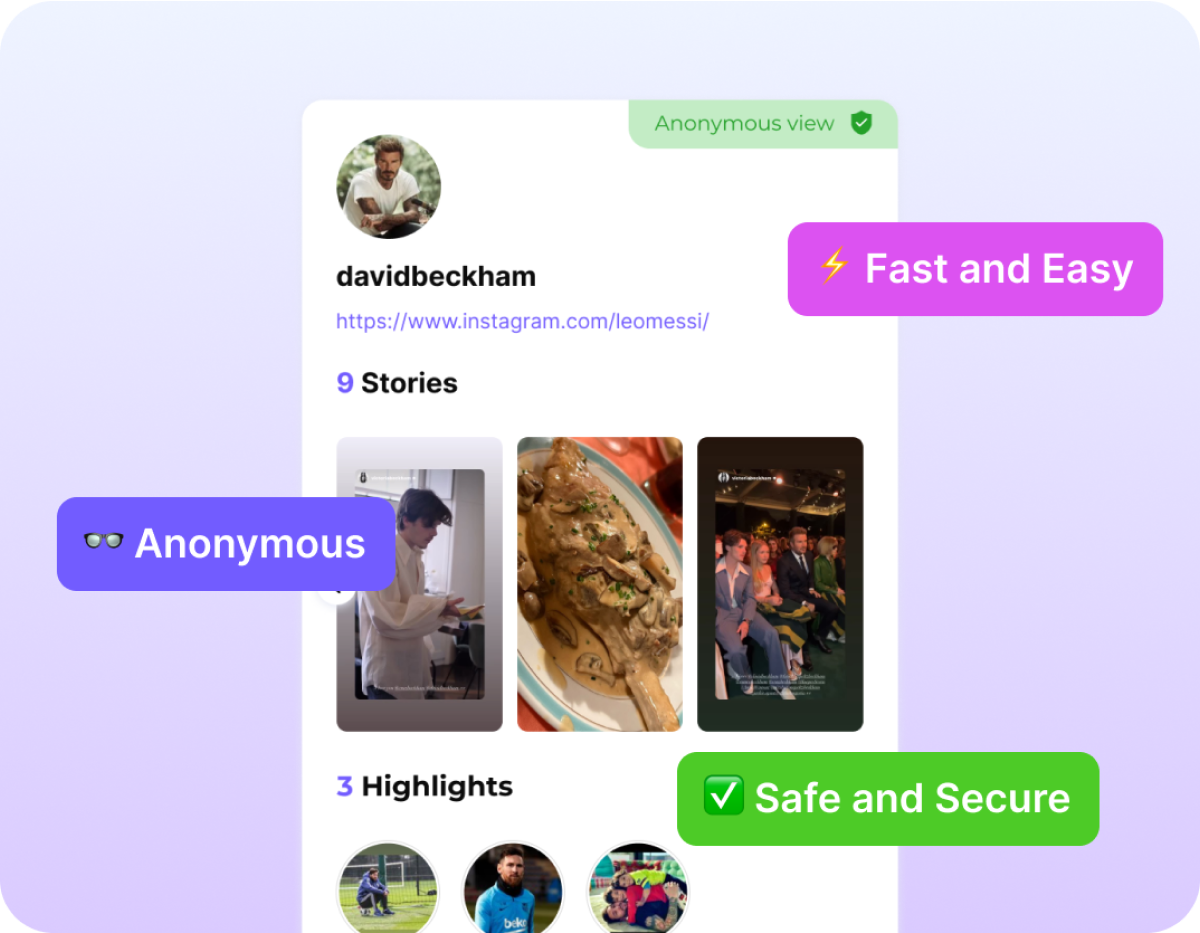
Enter a public username, preview a Highlight collection, and save the photo or video. LinkedRadar does not add a watermark. Private Highlights stay closed.
The Instagram Highlights downloader opens a public collection from a username. This only covers public Instagram data. Private accounts stay closed.
Enter the public username, or paste the profile link. This page opens Highlights. No Instagram login is required.
Browse the Highlight collections still published on that public account and preview the one you want.
Download the photo or video from the collection you opened. LinkedRadar does not add a watermark, and it does not send the account a download notice.

A Highlight can be removed later. A download keeps the photo or video you already opened.

Once the file is on your device, you can open it without going back to Instagram.

You save the published photo or video instead of a cropped screen capture. The file follows the media that loaded.

Highlights, posts, and videos use one downloader. This page opens the Highlights tab.
Enter a public username or profile link. LinkedRadar does not ask for that account's Instagram password.

The saved file follows the media available for that public Highlight. LinkedRadar does not guarantee a higher resolution than Instagram served.

LinkedRadar does not stamp the download. Marks already inside the original file stay there.

Open the page in a browser and save the file to that device.
Save a public Highlight collection you expect to watch again.

Keep a reference from a public Highlight for a later edit or moodboard.

Store a public guide or lookbook that lives in Highlights.

Save a public testimonial or product Highlight before the collection changes.
Enter a public username in the Instagram Highlights downloader, preview the collection, and save the photo or video.
No. Only public Highlights can be previewed and saved.
They share this downloader. Stories expire. Highlights stay only while the account keeps the collection published.
Saving uses the public media. LinkedRadar does not send the account a separate download alert.
Enter a public username and save photos or videos from a Highlight collection. No Instagram login required.