Is the LinkedRadar Instagram Story Downloader free?
Yes. LinkedRadar provides a free Instagram story downloader for supported public content. You do not need to buy a subscription to preview currently available public Stories and download selected media.
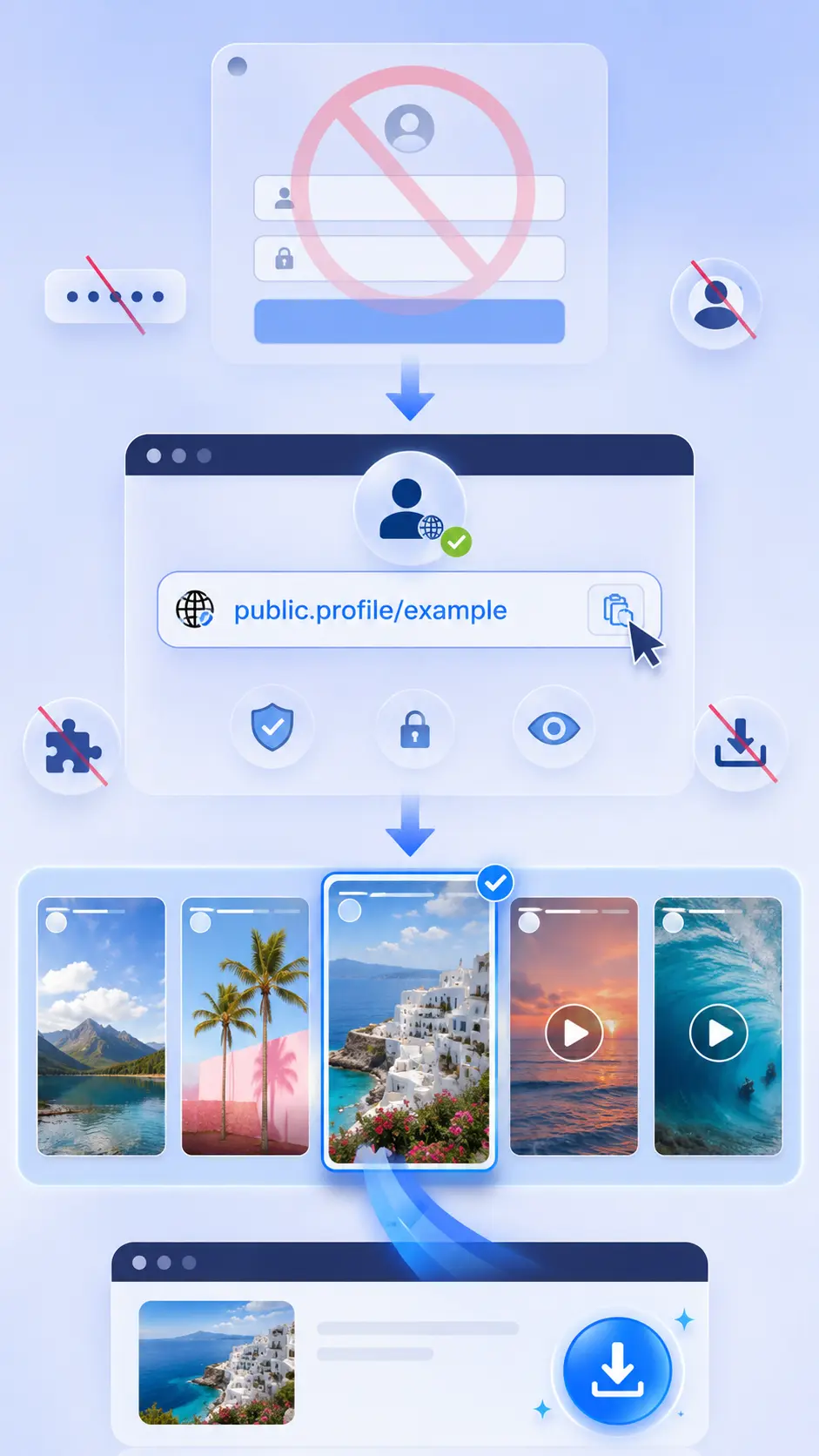
Do I need to log in to Instagram?
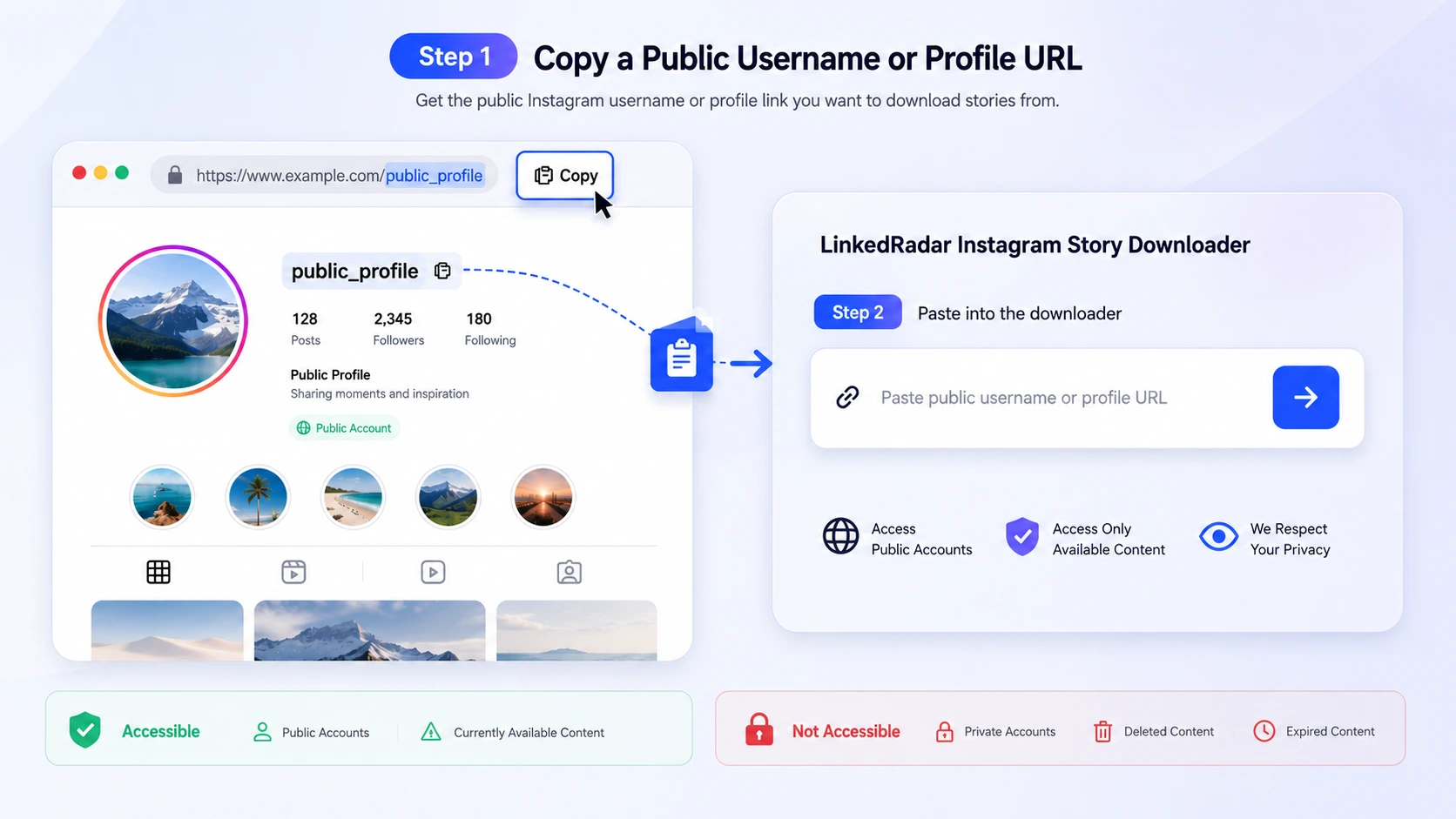
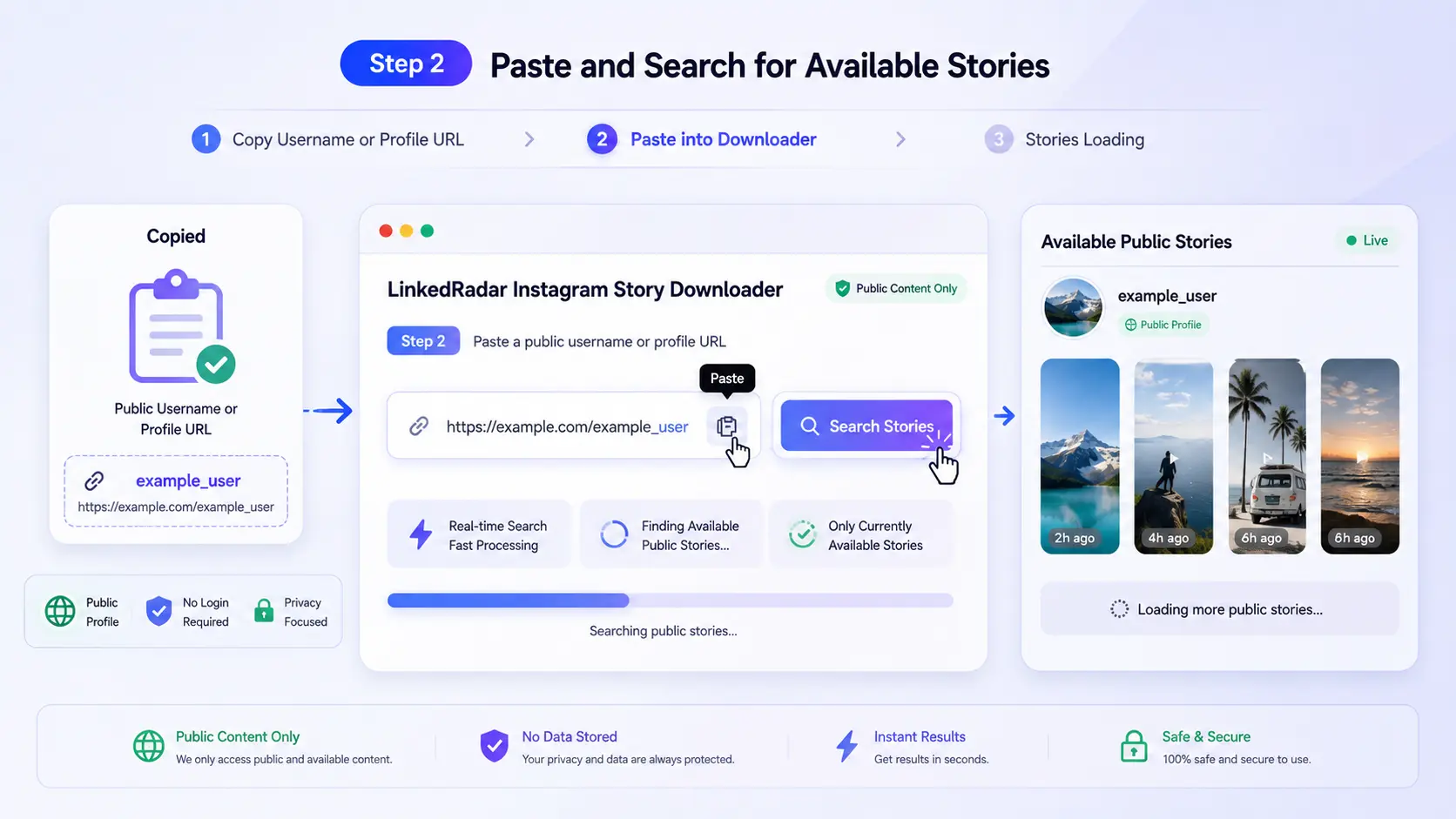
No. You do not need to enter an Instagram password, connect a social account, or install an extension. Enter the username or URL of a public profile in the Instagram Story Downloader.
Can I download Instagram Stories anonymously?
You can use LinkedRadar without logging in to Instagram or connecting your Instagram account. This provides a privacy-conscious, account-free workflow. It should not be interpreted as a guarantee of complete network anonymity, and only public content is supported.
Does LinkedRadar add a watermark?
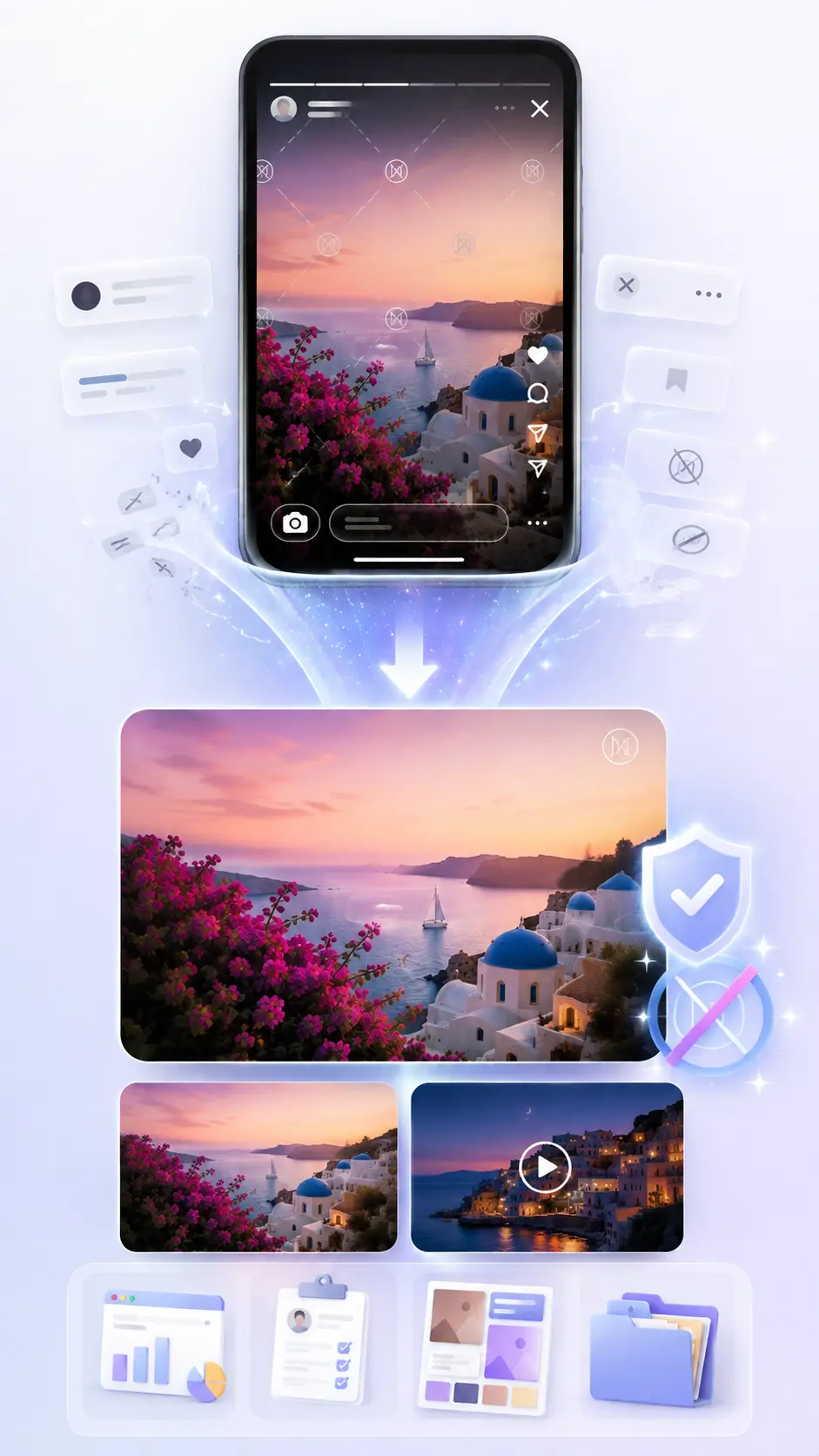
No. LinkedRadar does not add its own watermark to downloaded Story photos or videos. If a creator placed a logo, caption, or watermark in the original media, the Instagram story saver does not remove it.
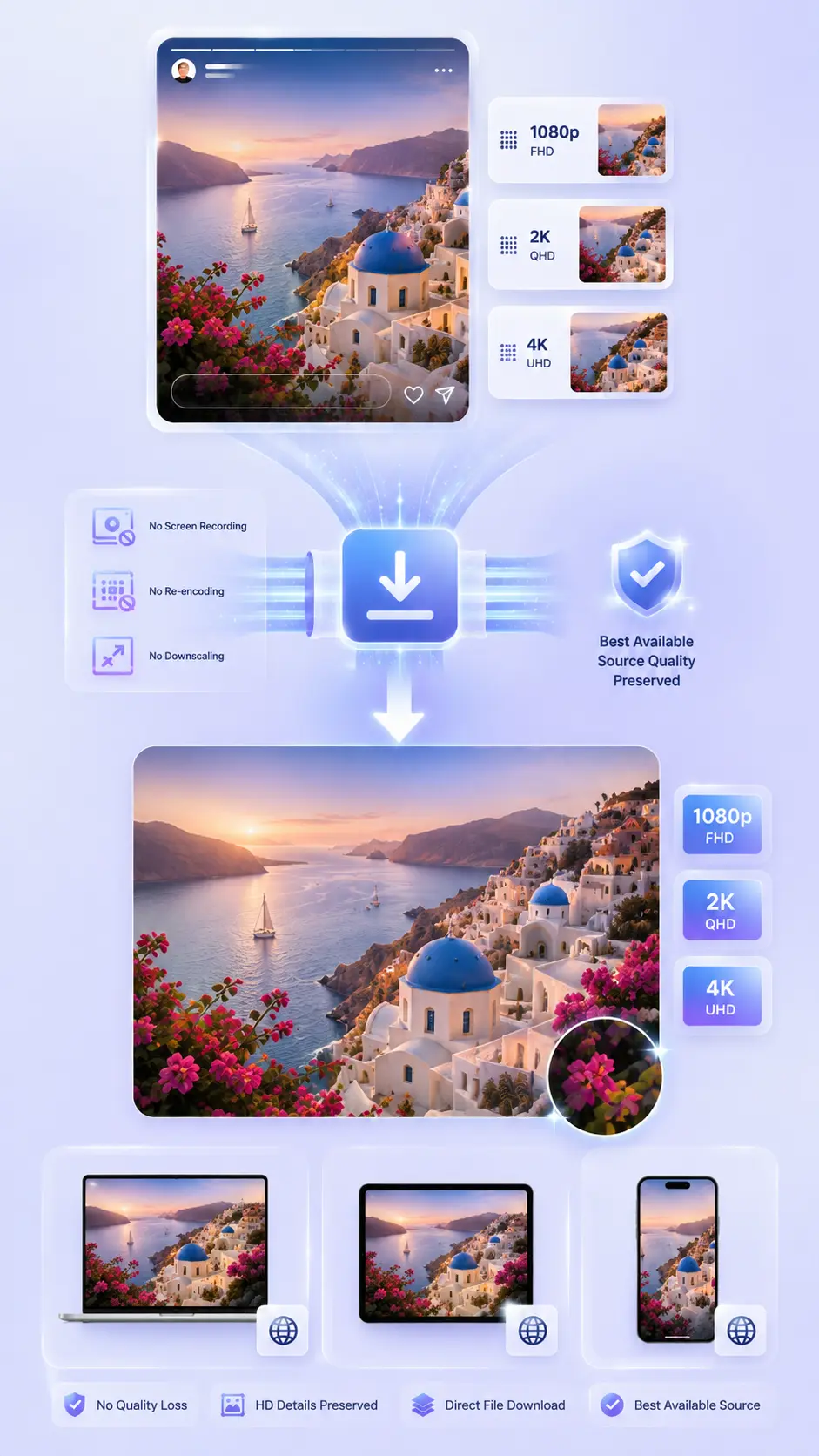
Can I download Instagram Stories in HD, 1080p, 2K, or 4K?
The Instagram Story Downloader saves the best public source file available. If the source returns 1080p, 2K, or 4K media, that available quality can be preserved. LinkedRadar does not upscale a lower-resolution source or create detail that is not present in the original file.
Will downloading reduce the Story quality?
LinkedRadar is designed to avoid intentional recompression during the Instagram Story download. Final resolution and clarity depend on the media made available by the public source, your browser, and the saved file format.
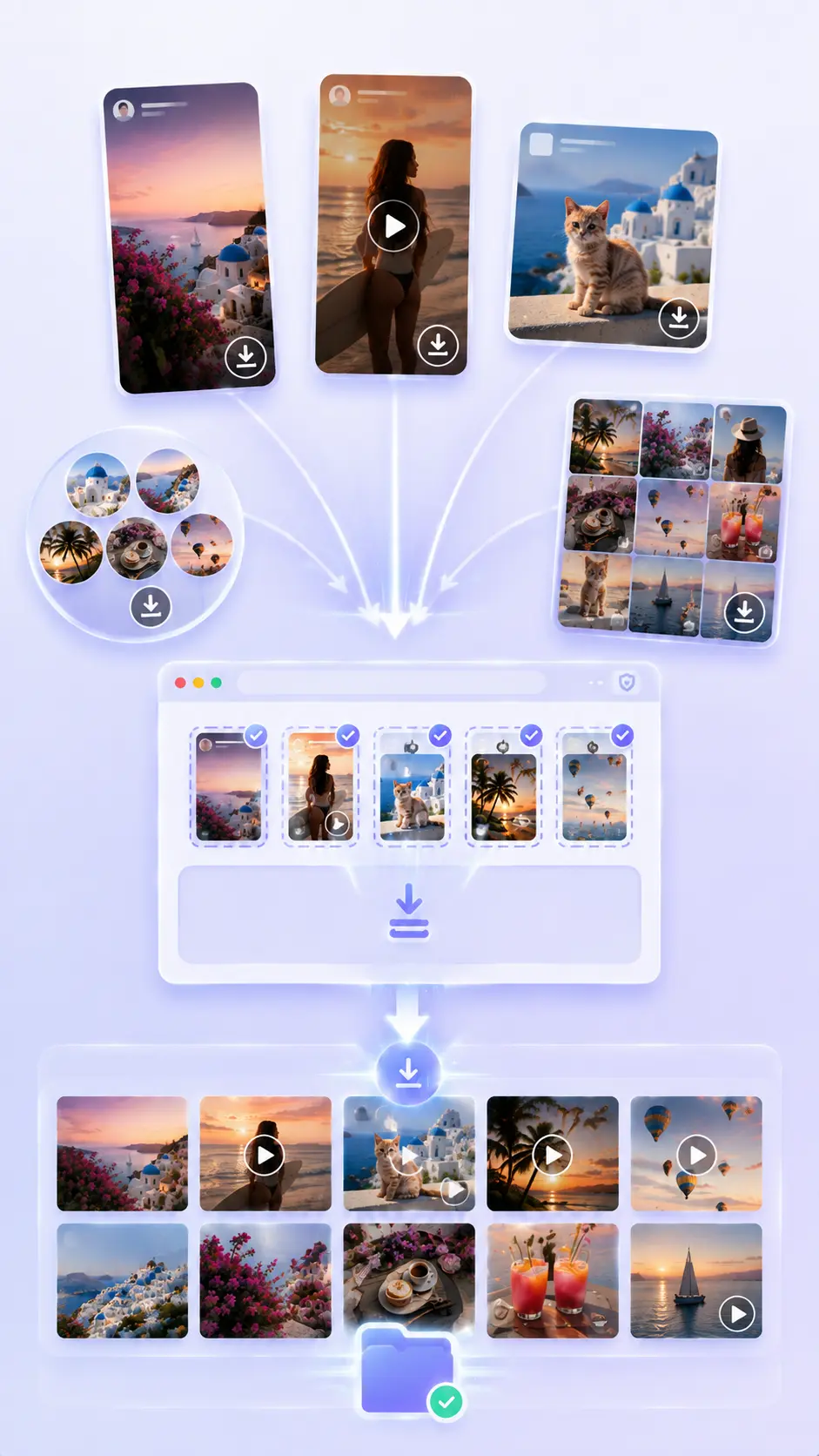
Can I save both Story videos and photos?
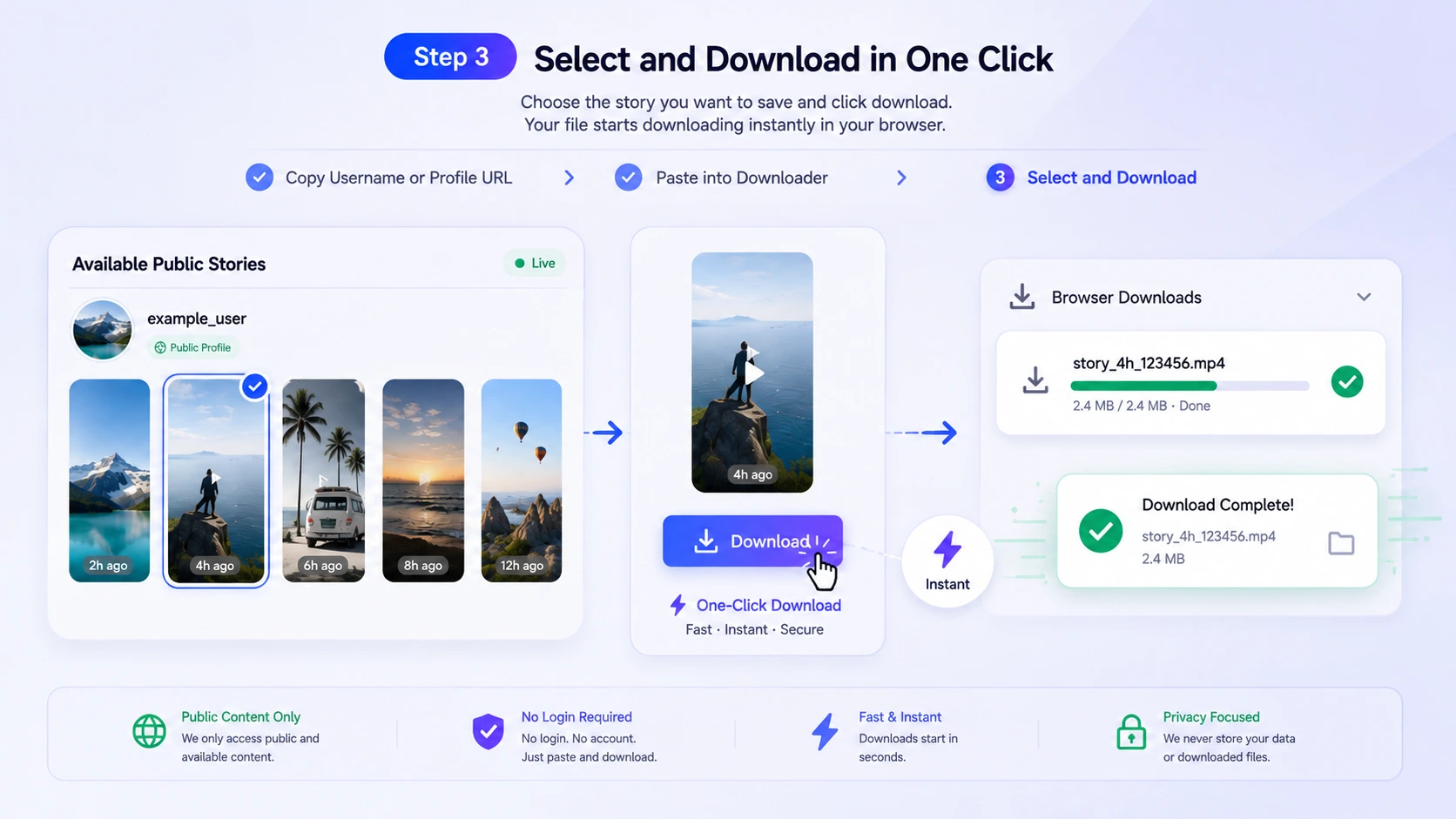
Yes. The Instagram Story Downloader supports currently available public Story photos and videos. Preview the results and choose each media item you want to save.
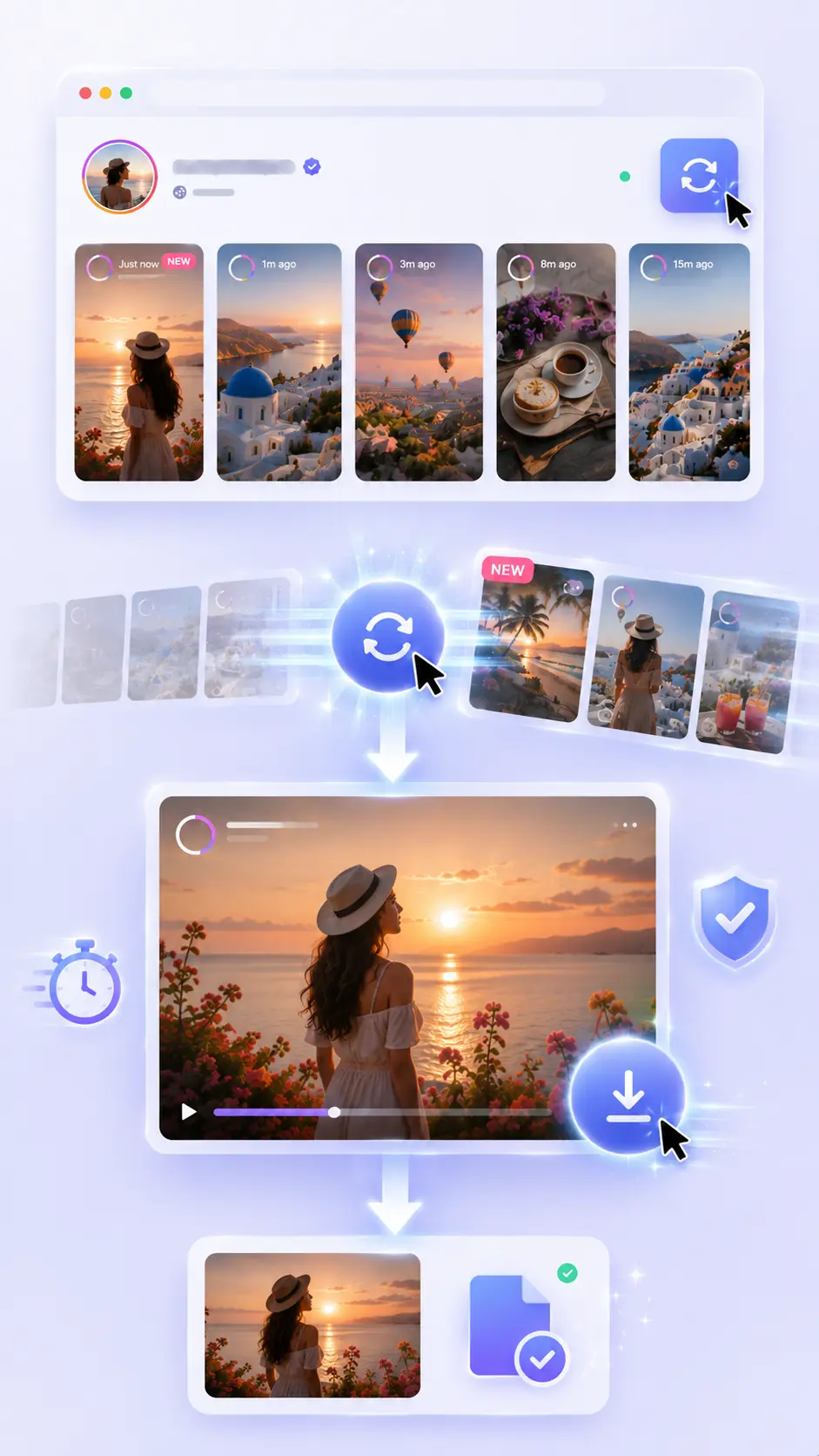
How fast is an Instagram Story download?
Many downloads begin in about a second after the file is selected. Actual speed depends on the source response, Story size, browser, device, and internet connection, so no downloader can guarantee the same time for every file.
Can I download the latest Instagram Stories in real time?
LinkedRadar checks for Stories that are currently available on the selected public profile. Refresh the results to look for newly available public media. Small source or network delays may occur, so "real time" means the latest media returned at the time of the request.
Can I download expired or deleted Instagram Stories?
No. The Instagram Story Downloader cannot retrieve expired, deleted, restricted, or otherwise unavailable Stories. It only displays supported public media that is available when you search.
Can I download Stories from a private Instagram account?
No. LinkedRadar does not bypass privacy settings and cannot access private accounts. Never enter another person's login details into a downloader. Use the tool only for public media you are permitted to download.
Can LinkedRadar download Reels, Posts, and Highlights too?
LinkedRadar provides connected tools for available public Stories, Reels, Posts, Highlights, and profile media. Use this Instagram Story Downloader for active public Stories, then open the relevant media tool for another supported content type.
Does the Instagram story saver work on iPhone, Android, Windows, and Mac?
Yes. The browser-based workflow works on modern mobile and desktop browsers. No separate mobile app or browser extension is required. Your browser may place downloaded files in its default Downloads or Files folder.
Is it legal to download Instagram Stories?
Downloading technology does not give you ownership of someone else's content. Download only public media you own or are authorized to save, respect copyright and privacy, and obtain permission before reposting, publishing, or using a creator's work commercially.