


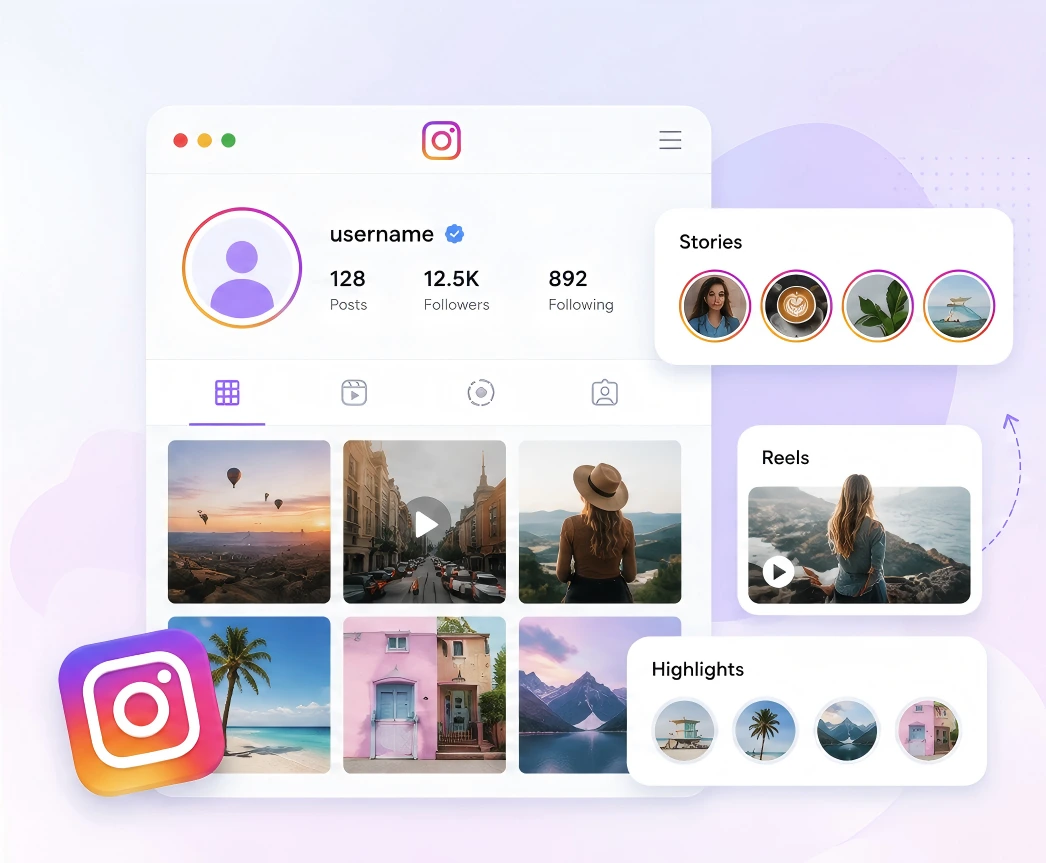
View Stories, Reels, Posts, Highlights, and Profiles
Enter a public username to explore available Instagram Stories, Reels, posts, Highlights, and profile media in one online workspace.
100% Free. No Instagram login. No app or extension required.
Watch and Download Public Instagram Profile, Stories, Reels, Posts & Highlights in Seconds.
Public profile








View Instagram Profile, Stories, Reels, Posts & Highlights in three simple steps—no experience required.
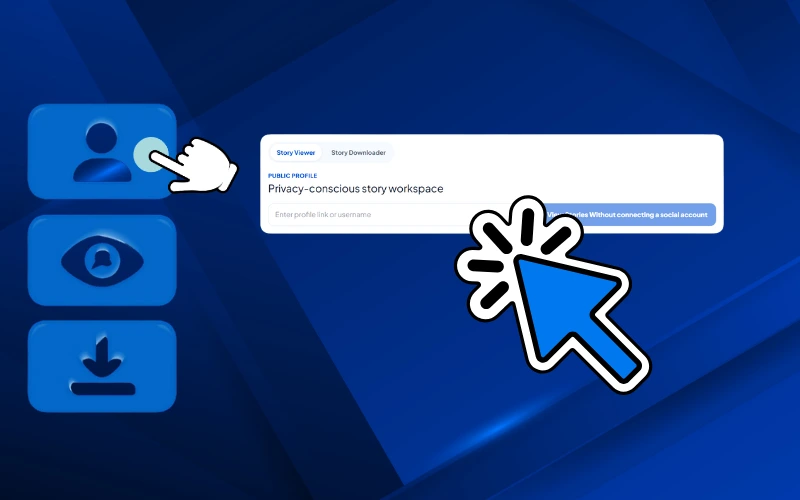
Paste a public Instagram username or profile URL into the IG story viewer. No Instagram login, app, or browser extension is required.
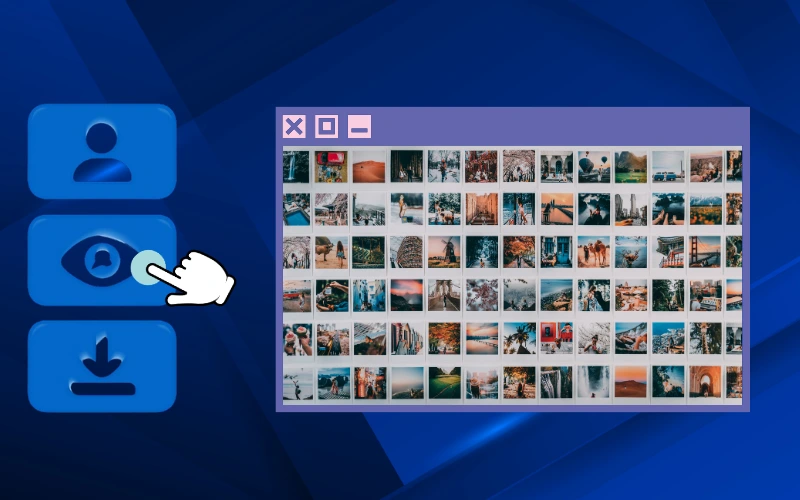
Anonymous Instagram Story Viewer loads the latest available Stories, Highlights, Reels, posts, and public profile media in one browser workspace.
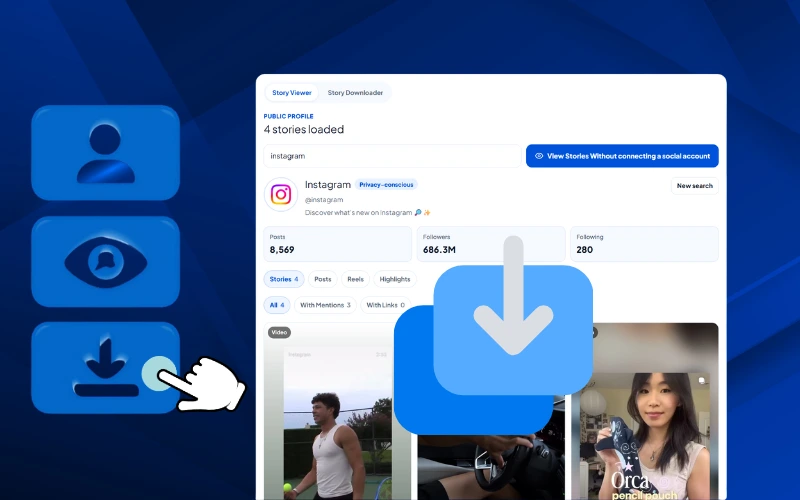
Choose the Story or media you need, view it anonymously online, or download the available photo or video without a watermark.
Use the anonymous Instagram story viewer to browse available public content, check recent updates, and download source-quality media without a watermark.
Enter a public username to explore available Instagram Stories, Reels, posts, Highlights, and profile media in one online workspace.
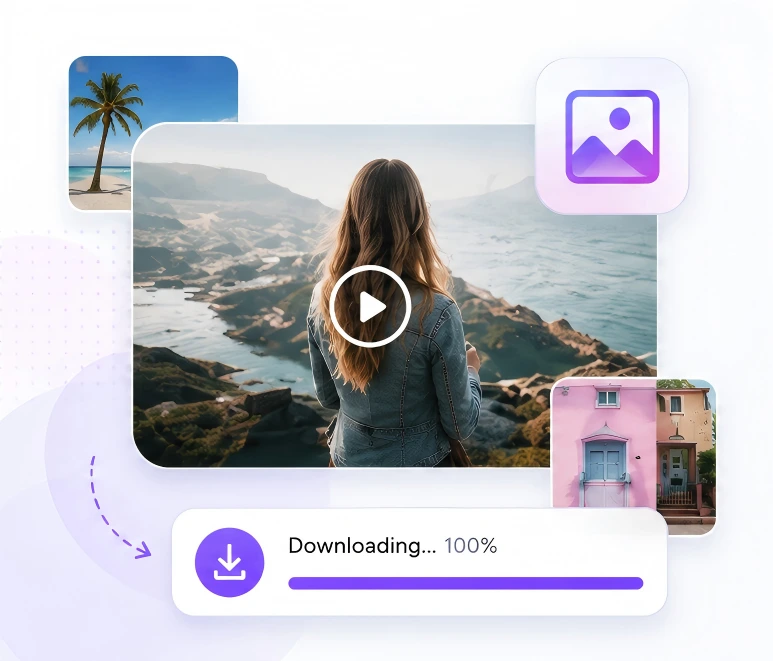
Preview media quickly, then save available photos or videos in their source quality with one click for permitted research, editing, or reference use.
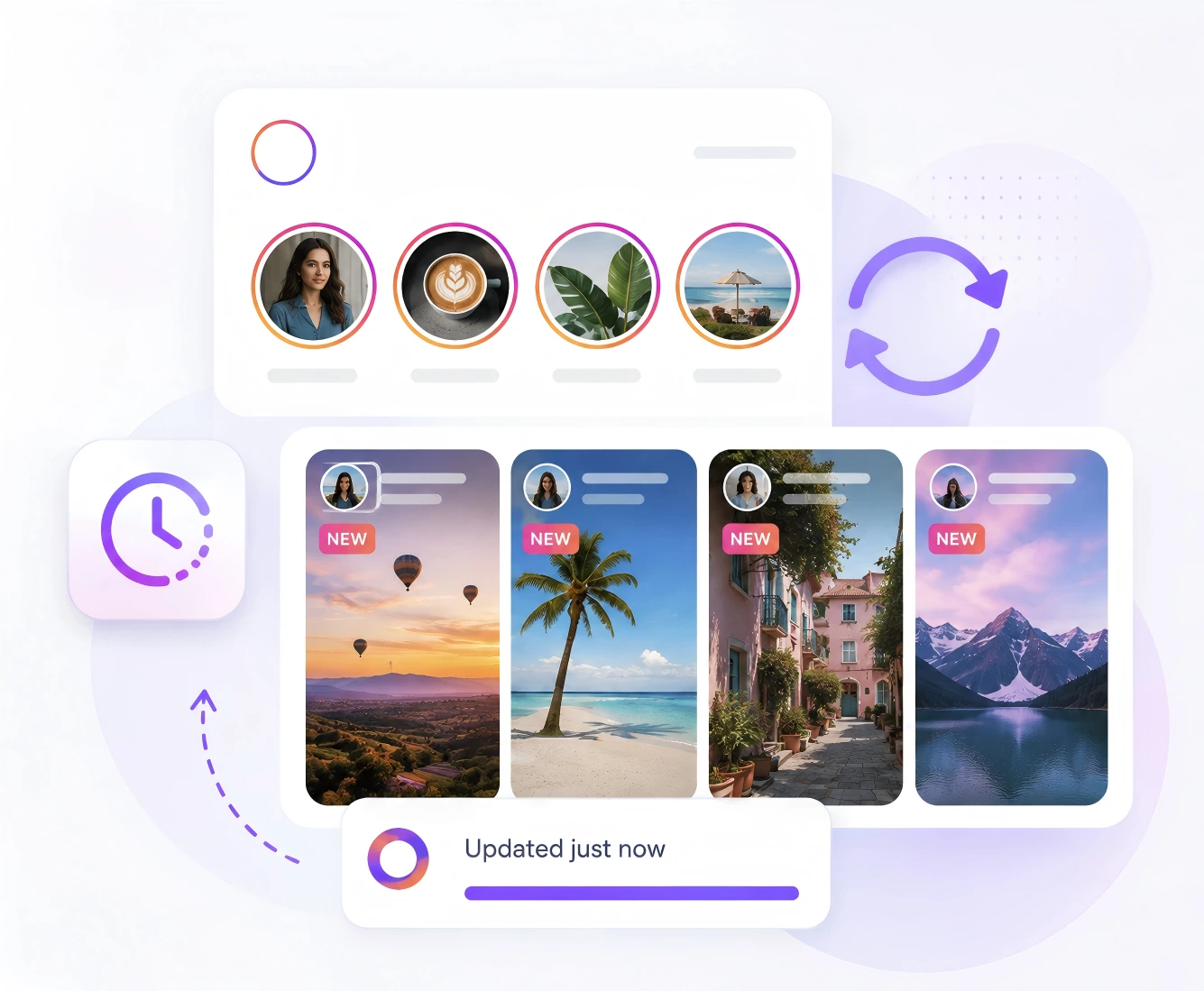
The IG story viewer refreshes available public content so you can find and download the latest Stories before their 24-hour window closes.
Compare how LinkedRadar Anonymous Instagram Story Viewer makes it easier to view and download available public Stories, Reels, Posts, Highlights, and profile media without an Instagram login.
| CAPABILITY | MANUAL INSTAGRAM VIEWING | LINKEDRADAR |
|---|---|---|
| Instagram login | Requires a signed-in Instagram account | No Instagram login required |
| Account connection | Viewing is connected to your personal or business account | No Instagram account connection |
| Anonymous workflow | Story viewing is associated with the logged-in account | View public content without connecting your identity |
| Password or session | Uses an active Instagram account session | No password or session cookie required |
| App or extension | Use the Instagram app or website | No app or browser extension required |
| Input method | Search for the profile inside Instagram | Enter a public username or profile URL |
| Private content | Available only with approved account access | Private and restricted content is not supported |
| Story access | Open each profile and select its active Story | Load available public Stories in one workspace |
| Content coverage | Navigate separately between profile sections | View Stories, Reels, Posts, Highlights, and profile media |
| Latest Story checks | Reopen and refresh the profile manually | Refresh the latest available public Stories |
| Story preview | Watch through the Instagram interface | Preview available Stories directly in the browser |
| Selective viewing | Move through Stories in Instagram’s sequence | Select the available Story or media you want to view |
| Direct Story download | No native file-download option | Download selected public Story media directly |
| One-click download | Requires screenshots, screen recording, or another tool | Save an available Story with one click |
| Batch download | Save each item through separate manual steps | Select multiple available items for batch download |
| Download watermark | Screenshots may include interface elements | No additional watermark added to downloaded media |
| Media quality | Screenshots and recordings may reduce quality | Download source-quality media made available by Instagram |
| Story expiration | Content may disappear before it is manually saved | Download available Stories before the 24-hour window closes |
| Viewing speed | Repeated profile searches and navigation | Fast browser-based profile and media loading |
| Beginner experience | Requires familiarity with Instagram navigation | Simple three-step viewer and downloader workflow |
| Device support | Instagram app or web interface | Desktop, tablet, iPhone, and Android browsers |
| Cost | Instagram access is free but requires an account | Free online public-content viewing and downloading |
| Best use case | Personal feed viewing and normal account activity | Repeatable public-profile viewing, research, and permitted downloads |
Anonymous Instagram Story Viewer helps teams view, monitor, and download available public Instagram content through a fast, account-free browser workflow.
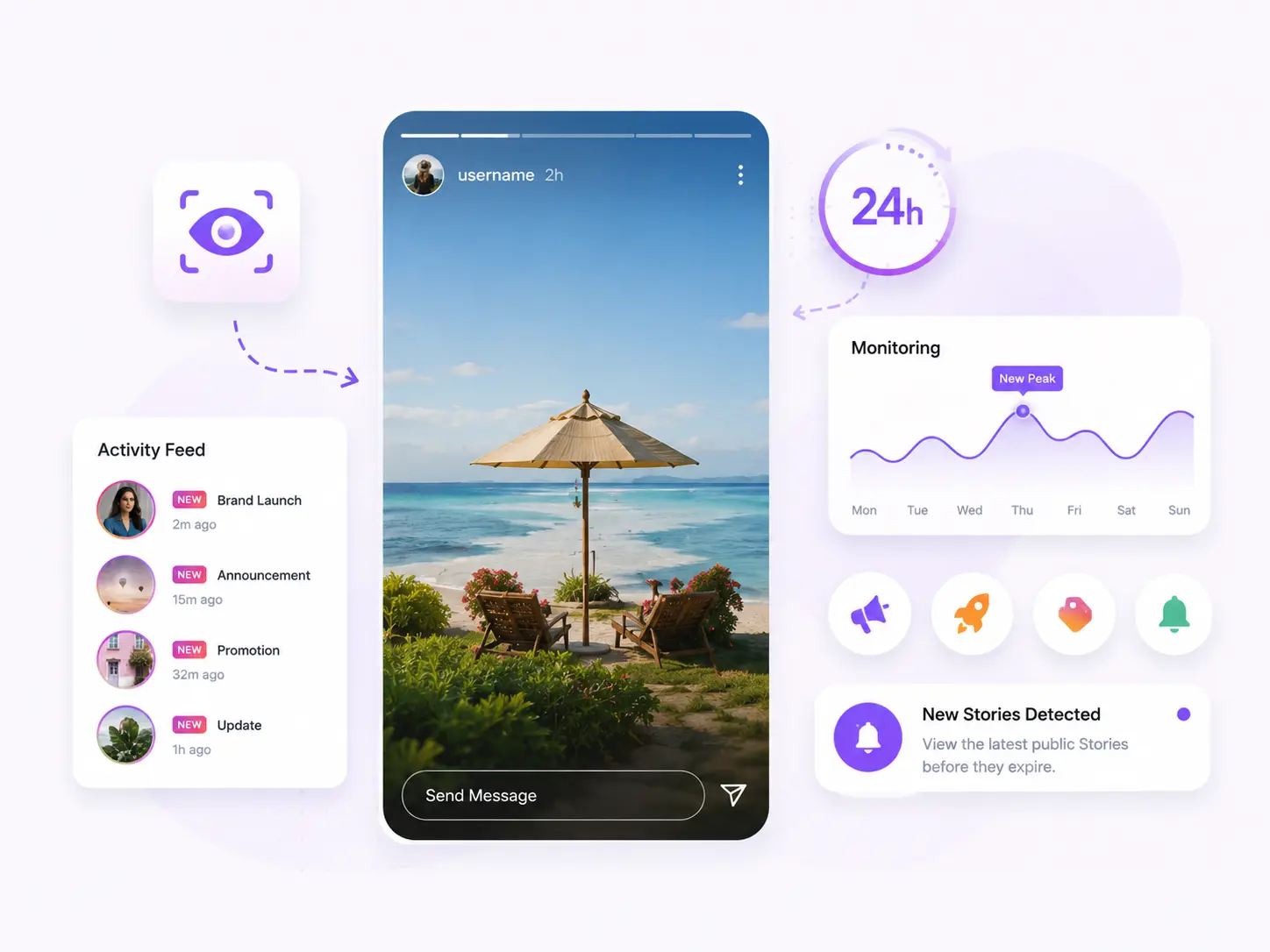
Track the latest available public Stories before their 24-hour window closes. Review launches, announcements, promotions, and time-sensitive brand updates.
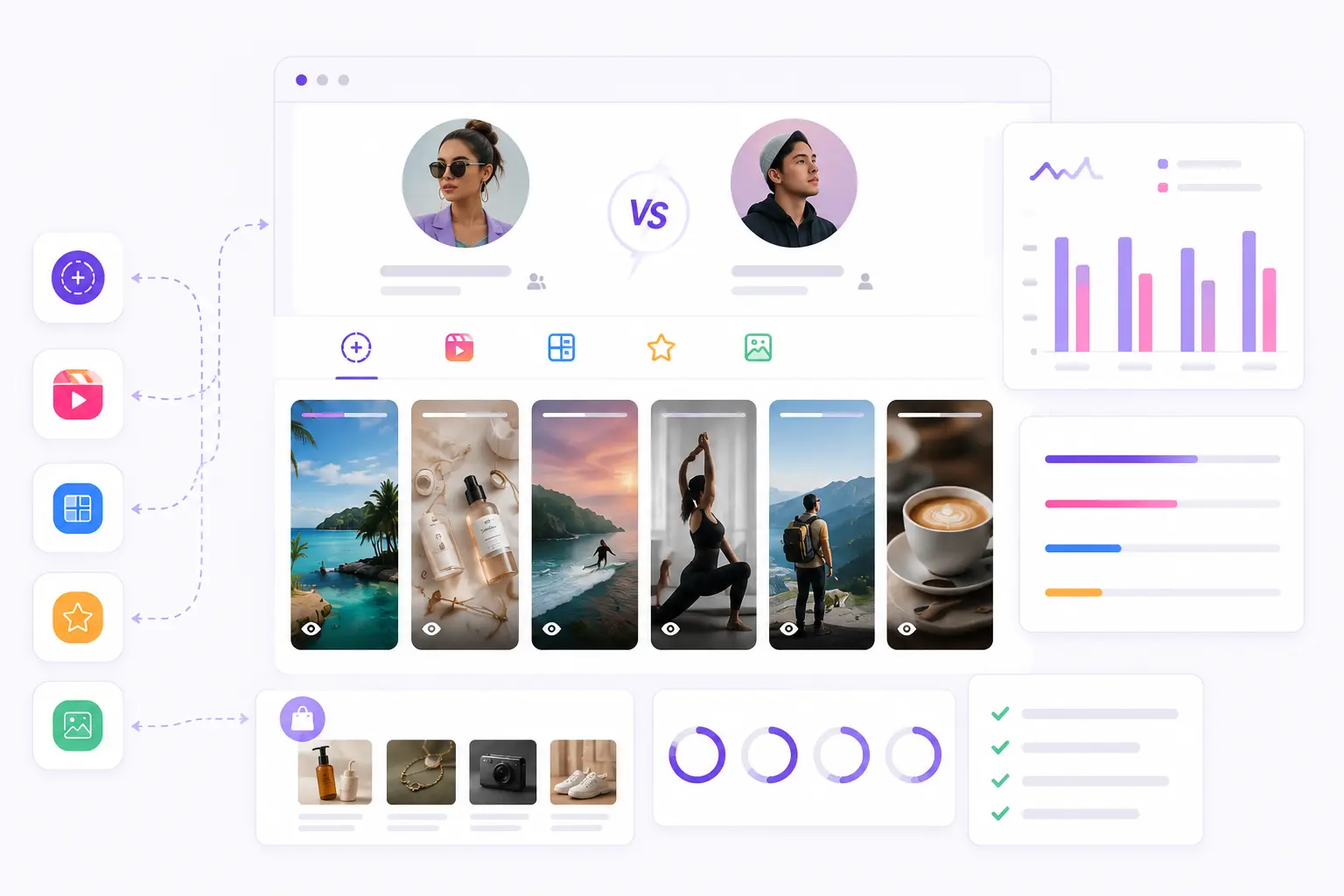
Review public Stories, Reels, Posts, Highlights, and profile media to compare creator activity, content formats, product placements, and calls to action.
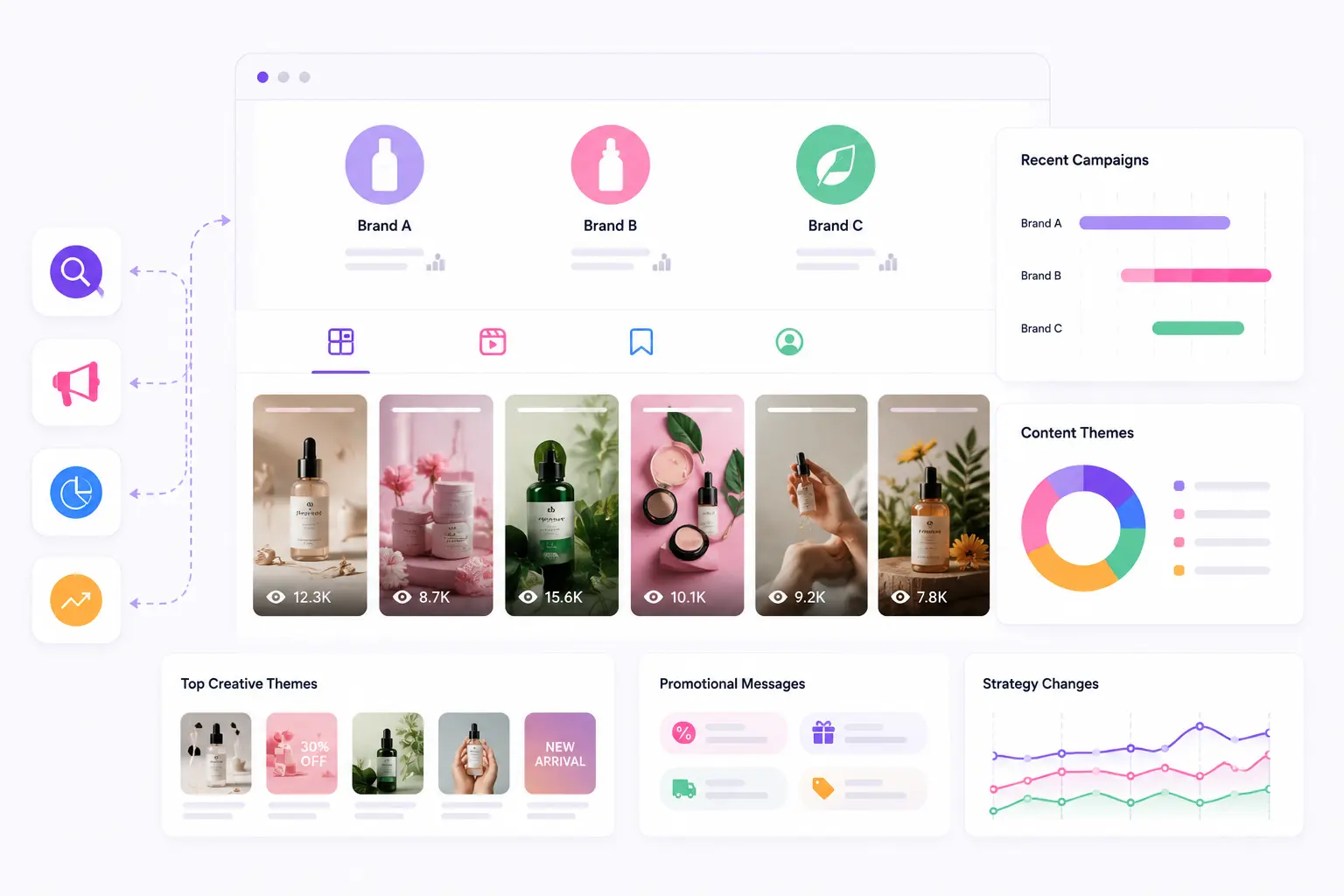
Monitor public competitor profiles to identify recent campaigns, recurring creative themes, promotional messages, and changes in their Instagram content strategy.
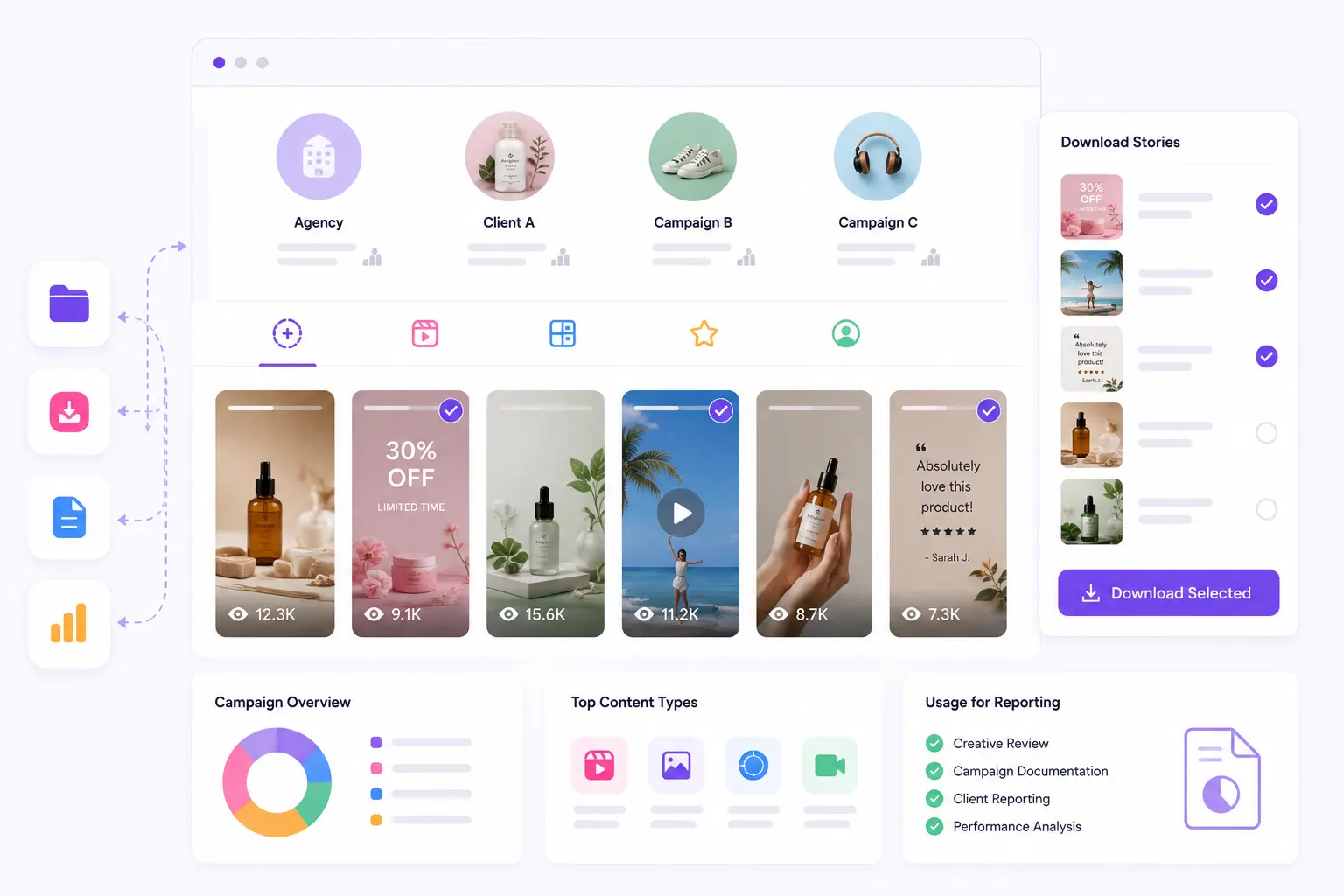
Check available public media across client or campaign profiles. Download selected Stories for permitted reporting, creative review, and campaign documentation.
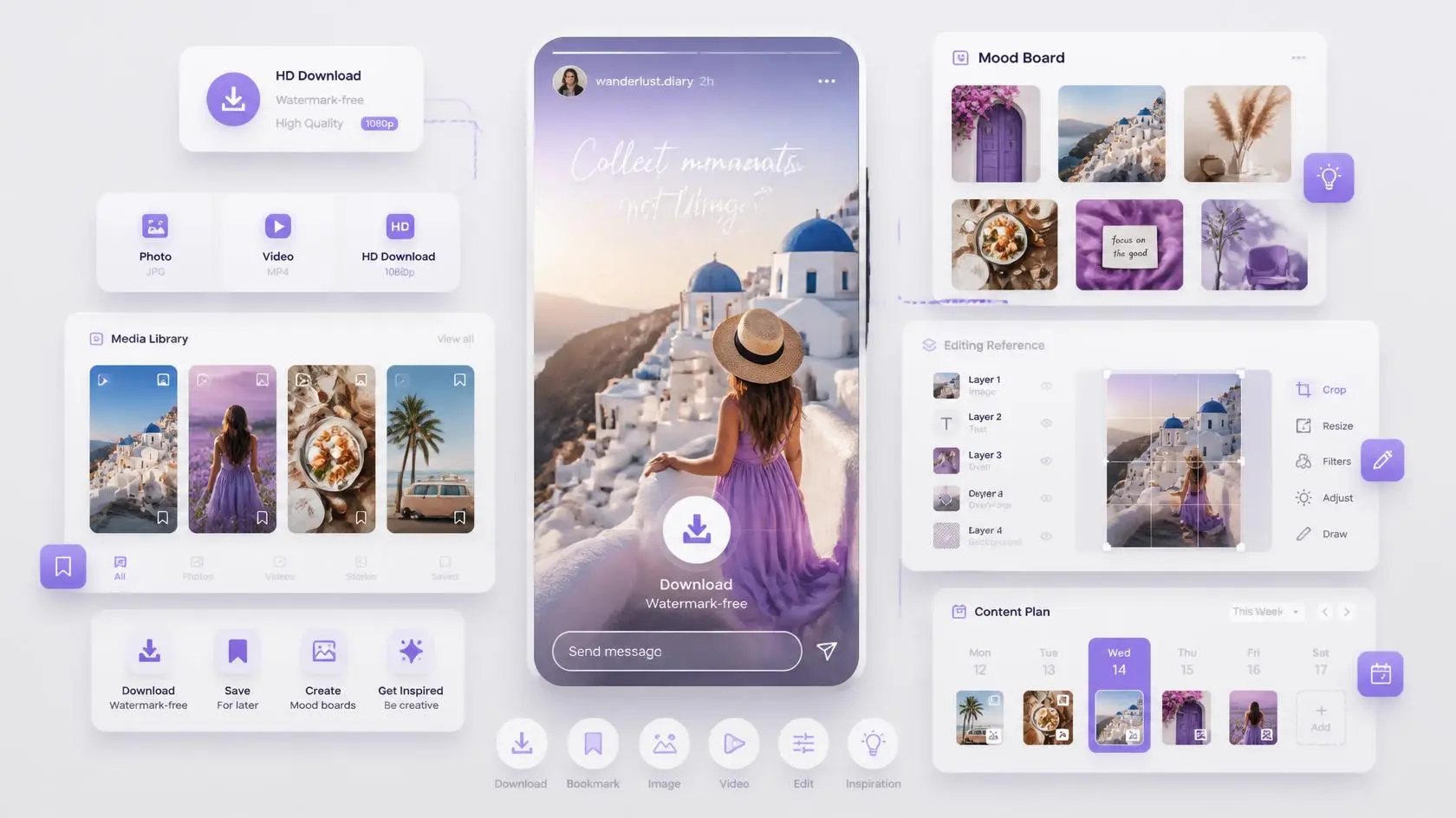
Download watermark-free public Story photos or videos for permitted mood boards, editing references, content planning, and creative inspiration.
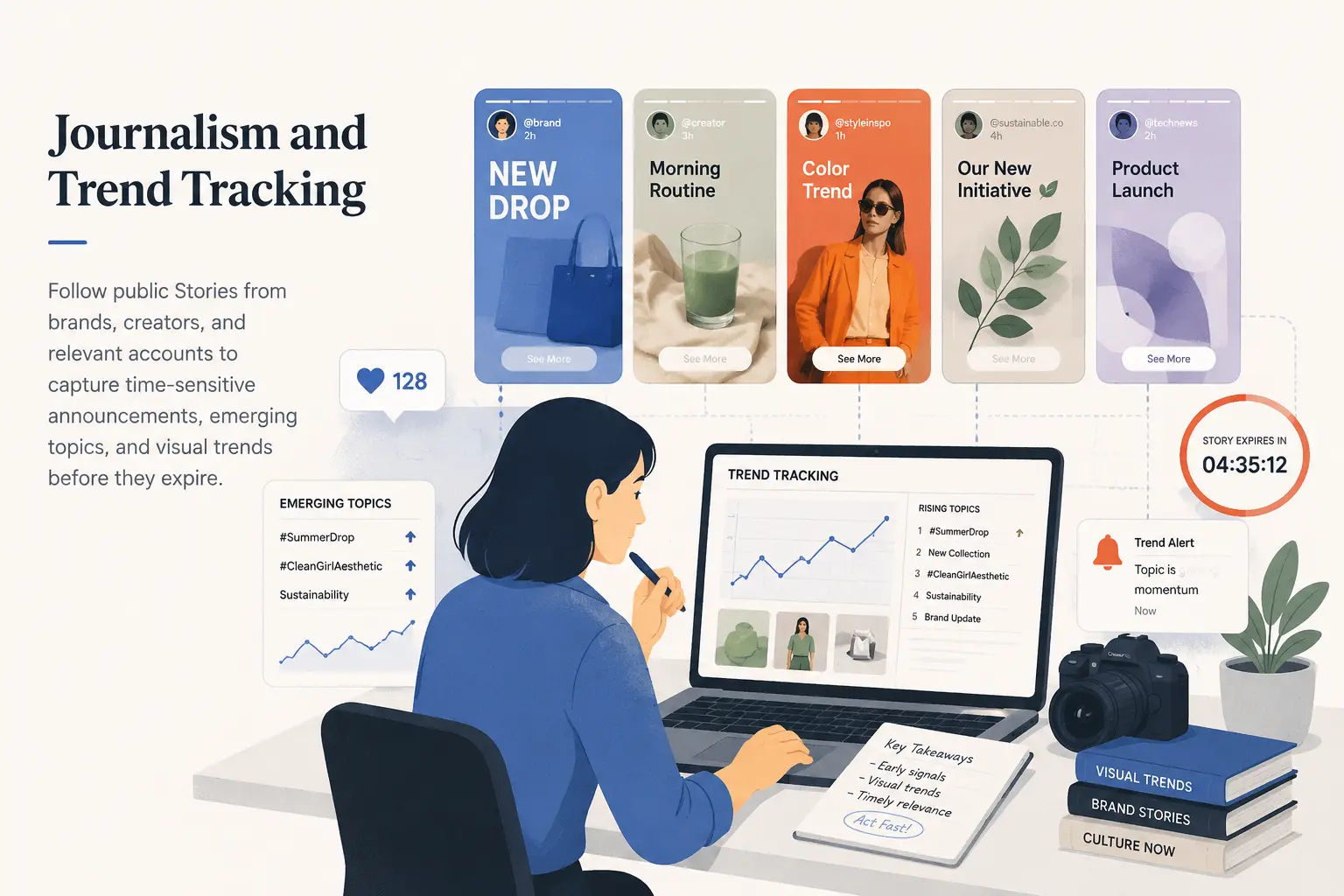
Follow public Stories from brands, creators, and relevant accounts to capture time-sensitive announcements, emerging topics, and visual trends before they expire.
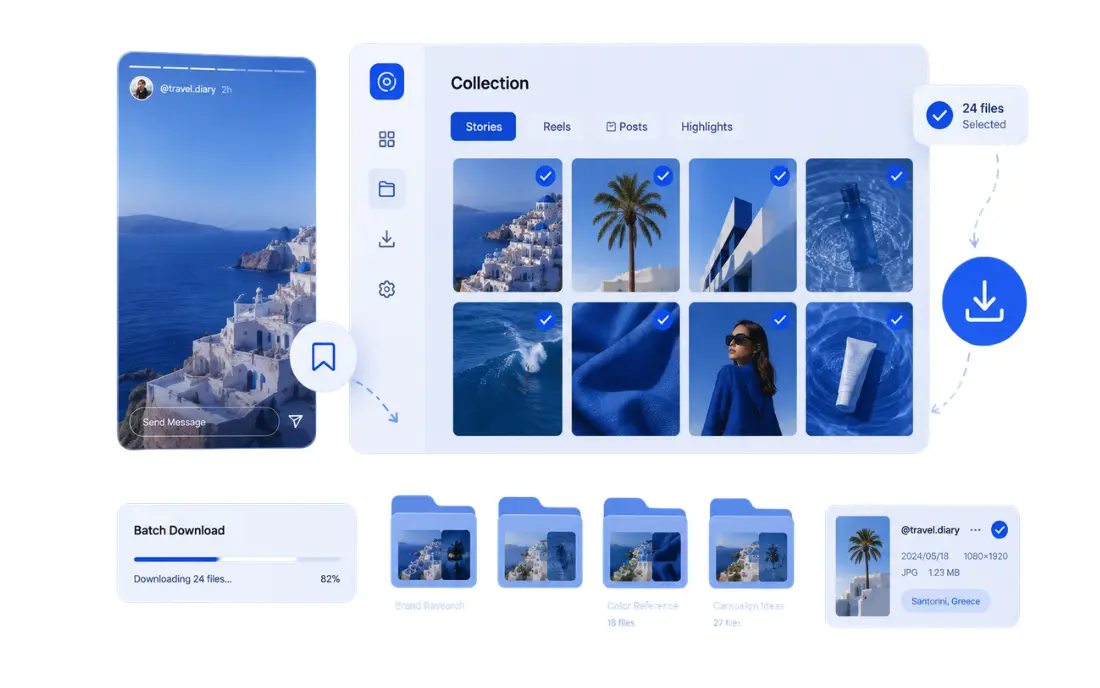
Select individual media files or use batch download to organize permitted public Stories, Reels, Posts, and Highlights for later research or reference.
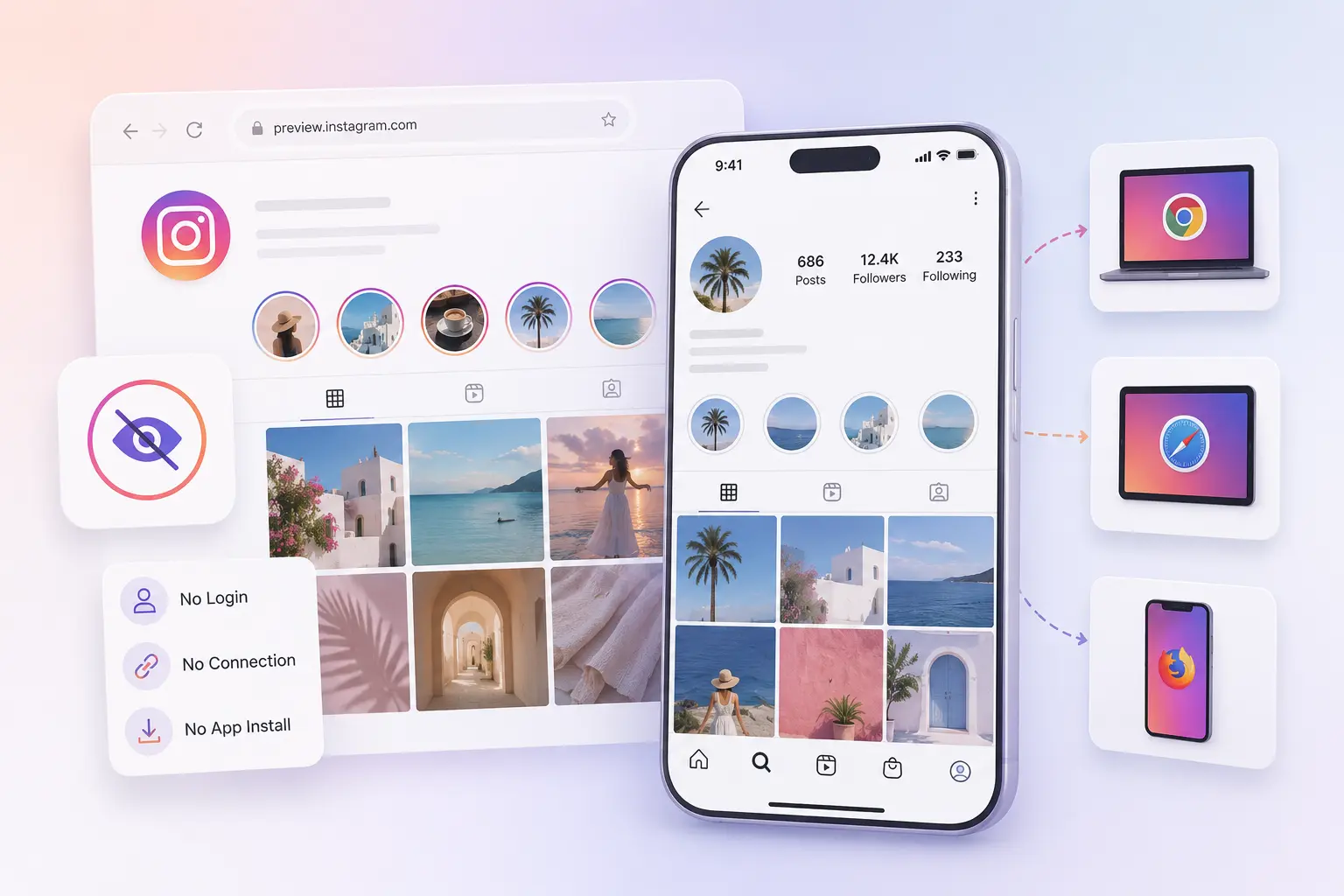
View available public Instagram content without logging in, connecting an account, or installing an app, making quick profile checks easier across different devices.
Feedback on anonymous viewing, no-login access, fast previews, and watermark-free Instagram Story downloads.
I entered a public username and had the latest Stories open in seconds. Not having to log in makes quick checks much easier.
The anonymous Instagram story viewer is useful when I need to review public campaign Stories without connecting my personal account.
Previewing a Story before downloading means I only save the media I need. It is much cleaner than recording my screen.
The one-click download keeps the media clean and adds no watermark. That is exactly what I need for approved reference files.
I can check Stories, Reels, Posts, and Highlights from one page instead of switching between several Instagram tools.
The batch download is helpful when a public profile has several active Stories. I can select the useful items and save them together.
The IG story viewer works directly in my phone browser with no app or extension. The three-step process is easy to follow.
Refreshing the public profile helps me catch newer Stories before the 24-hour viewing window closes.
For public competitor research, LinkedRadar is faster than opening Instagram and checking every profile manually.
Use anonymous Instagram story viewer to access available public Stories without connecting an Instagram account, storing activity data, or installing additional software.
View public Instagram content without signing in, sharing a password, providing session cookies, or connecting a personal or business account.
Public Story checks are not made through your Instagram account, so your personal username is not added to the Story’s Instagram viewer list.
LinkedRadar processes the submitted public profile only to load available media. Profile searches, viewing activity, and download records are not retained.
Use the viewer directly in your browser without installing an app or extension, granting Instagram permissions, or allowing access to your account activity.
Continue with LinkedRadar tools for public Story downloads, comments, followers, and engagement research.
Enter a public Instagram username or profile URL. LinkedRadar Instagram story viewer loads the available public media, lets you preview the profile, and provides download options for supported photos and videos.
Paste a public username or profile link into LinkedRadar, load the available Stories, and select the Story you want to watch. No Instagram account connection is required.
Yes. LinkedRadar provides free online viewing and downloading for supported public Instagram content. No paid Instagram account or app installation is required.
No. The Instagram story viewer works without registering, logging in, or connecting a personal or business Instagram account.
No. Instagram story viewer does not request your Instagram password, authentication code, or other account credentials.
No Instagram session cookie is required. The workflow remains separate from your active Instagram session.
No. The anonymous Instagram story viewer works directly in a supported browser without an app, extension, or additional software.
Instagram story viewer can display available public Stories, Reels, Posts, Highlights, and profile media. Results depend on what Instagram makes publicly accessible for the submitted profile.
LinkedRadar checks the latest Stories currently available from the submitted public profile. Refresh the results to check for newer content.
Yes. Batch view lets you select multiple available items and save them in one workflow instead of downloading every Story separately.
Use the free anonymous Instagram story viewer to preview available Stories, Reels, Posts, and Highlights, then download selected media without a login or app.